
Coding Path Finder for Mature Learners
Stop wondering where to start. Select your current professional background or goal below to see your ideal "Experience Multiplier" path.
Finance / Admin
Accounting, HR, Data Entry, Office Management
Creative / Design
Marketing, Design, Product Ideas, Visual Arts
Ops / Management
Project Management, Logistics, Business Ops
Since you understand business logic and spreadsheets, you are perfectly positioned for Data Analysis. You don't need to build a whole app; you just need to query data.
Why this works:
Companies value someone who knows what the numbers mean (your domain expertise) and how to extract them (the code).
Your eye for design is a massive asset. JavaScript allows you to see immediate visual results, which keeps the motivation high.
Why this works:
You can bridge the gap between a designer and a developer, making you a "Technical Product Manager" candidate.
You already know how to optimize workflows. Python is the ultimate tool for automating repetitive business tasks.
Why this works:
You aren't just coding; you are solving operational inefficiencies using technical tools. This is highly valuable to employers.
Key Takeaways for Mature Learners
- Age is not a cognitive barrier; logic and patience are the real requirements.
- Domain expertise combined with technical skills is a powerhouse combination.
- Focus on "just enough" code to solve problems rather than trying to become a computer science theorist.
- Modern tools like AI assistants make the learning curve significantly flatter than it was ten years ago.
The Brain at 50: Myth vs. Reality
You've probably heard that the brain loses plasticity as you age. While it's true that a child's brain is like a sponge, adults have something called "crystallized intelligence." This is the ability to use learned knowledge and experience. When you learn Python-a versatile, high-level programming language-you aren't just memorizing syntax. You are applying it to patterns you've seen in your professional life for three decades.
Research into neuroplasticity shows that the brain continues to form new connections throughout life. The struggle most adults feel isn't a lack of capacity; it's a lack of time and a fear of looking foolish. If you can manage a household, lead a team, or navigate a complex tax return, you have the logical capacity to handle learn coding at 50. The only real difference is that you might need to be more intentional about your study habits than a college student who has nothing but time.
Choosing the Right Path: Which Language Fits?
Don't make the mistake of trying to learn everything at once. The tech world is vast, and trying to master everything is a recipe for burnout. You need to pick a tool based on the job you want to do. For most people starting later in life, the goal is usually utility or a specific career pivot.
| Language | Best For | Difficulty | Why it's good for 50+ |
|---|---|---|---|
| Python | Data analysis, AI, Automation | Low | Reads like English; very versatile. |
| JavaScript | Websites, Interactive apps | Medium | Immediate visual results in a browser. |
| SQL | Database management | Low | Perfect for those in finance or admin. |
| Swift | iOS Apps | Medium | Great if you have a specific app idea. |
Leveraging the 'Experience Multiplier'
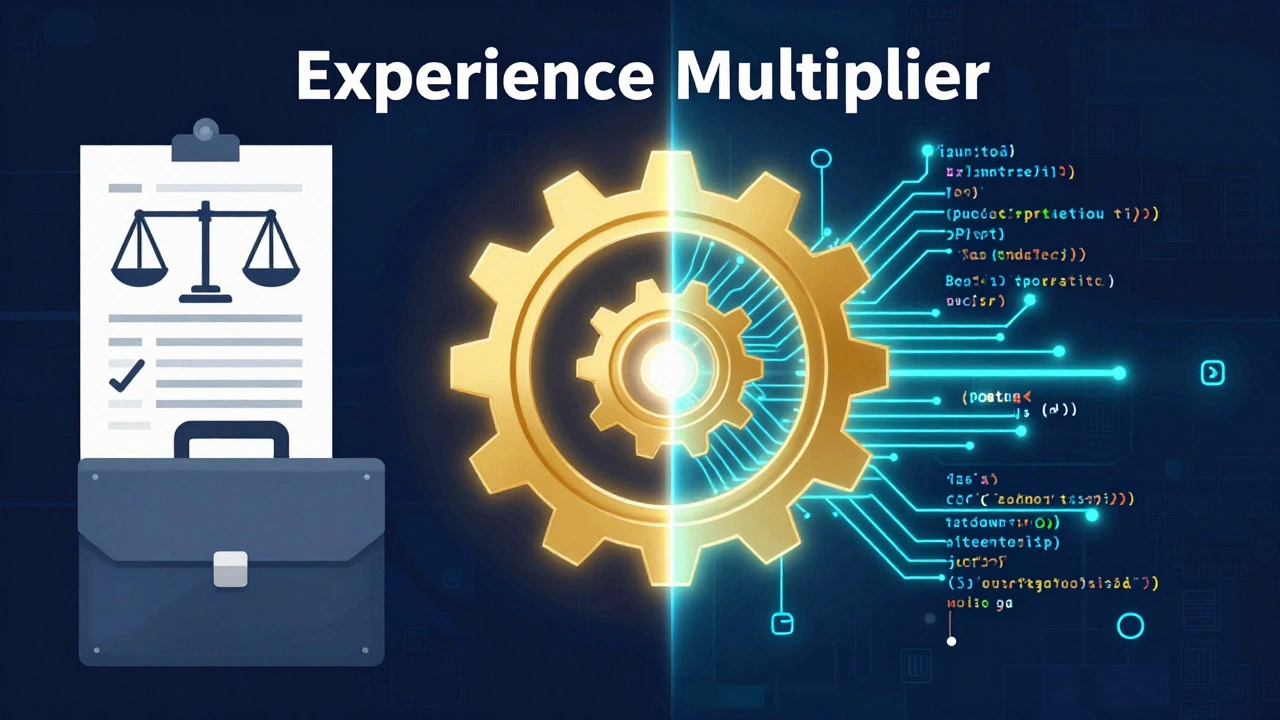
If you try to compete with a 22-year-old for a junior developer role at a gaming startup, you might find it an uphill battle. But that's the wrong game. The winning strategy is the "Experience Multiplier." This is when you combine your lifelong professional expertise with a new technical skill.
For example, if you've spent 20 years in accounting, you don't just become a "coder." You become a FinTech specialist who understands the nuances of GAAP (Generally Accepted Accounting Principles) and can write Python scripts to automate complex audits. A company would much rather hire a seasoned professional who can code than a junior coder who doesn't understand how a balance sheet works. You aren't starting from zero; you are adding a new tool to an existing, valuable toolkit.
Modern Learning Tools and the AI Revolution
Learning to code in 2026 is fundamentally different from learning in 2016. We now have Generative AI. Tools like GitHub Copilot or LLMs act as a 24/7 tutor. In the past, a beginner would hit a bug in their code and spend six hours staring at a screen in frustration. Now, you can paste that error into an AI and ask, "Why is this happening, and can you explain it to me like I'm a beginner?"
This doesn't mean you should let the AI do all the work. If you do, you'll never actually learn how to think logically. Instead, use AI as a bridge. Use it to explain concepts, suggest better ways to structure a loop, or help you debug. This acceleration means you can reach a level of functional competency in months rather than years.

Practical Steps to Start Without Burning Out
The biggest risk for adult learners is the "all-in" crash. You spend three weeks studying for eight hours a day, get overwhelmed by a complex concept like recursion or asynchronous programming, and quit. Instead, treat it like a marathon.
- Set a "Micro-Goal": Don't aim to "learn coding." Aim to "make a calculator that tells me how much I'm spending on coffee per year."
- Use Interactive Platforms: Avoid dry textbooks. Use sites like FreeCodeCamp or Coursera that let you write code in the browser and see immediate results.
- Join a Community: Find forums or local meetups for "Older Adults in Tech." Knowing you aren't the only one struggling with a semicolon makes a huge difference.
- Build a Project: The moment you learn a new concept, apply it to something real. If you're learning SQL, use it to organize your personal hobby collection or a small business ledger.
Overcoming the Psychological Hurdles
The fear of "being too old" is usually just a fear of feeling incompetent. There is a specific kind of vulnerability that comes with being a beginner again when you've spent decades being the expert in your field. You have to be okay with being the slowest person in the room for a while.
Remember that coding is not about brilliance; it is about persistence. Every professional developer spends a significant portion of their day feeling like they don't know what they're doing. The difference is that they've learned to be comfortable with that feeling. When you embrace the "beginner's mind," the frustration becomes part of the game rather than a sign that you've failed.
Will companies actually hire a 50-year-old junior coder?
Yes, but usually not as a generic junior dev. They will hire you for your combination of industry experience and coding skills. Target roles like "Product Manager," "Technical Analyst," or "Consultant" where your maturity and domain knowledge are assets, not liabilities.
How many hours a week should I study?
Consistency beats intensity. Five to ten hours a week of focused, deliberate practice is better than a 20-hour binge once a month. Aim for 1 hour a day to keep the concepts fresh in your mind.
Do I need a Computer Science degree to be successful?
Absolutely not. While a degree helps with theoretical foundations, the industry has shifted toward skills-based hiring. A strong portfolio of real-world projects on GitHub is often more valuable than a degree from twenty years ago.
Which laptop should I buy for learning to code?
You don't need a supercomputer. Any modern laptop with at least 8GB of RAM (16GB is better) and an SSD will work. A MacBook is popular in the industry, but a mid-range Windows laptop or a Chromebook with a Linux environment is perfectly fine for beginners.
What if I'm not good at math?
Most coding doesn't require advanced calculus or trigonometry. If you can do basic arithmetic and understand the concept of "if this, then that," you have enough math for the vast majority of web and business application development.
Next Steps for Your Journey
If you're feeling overwhelmed, start with a "low-stakes" entry point. Spend one weekend playing with a block-based language like Scratch or taking a free introductory course on Python. Don't worry about the job market or the terminology yet. Just see if you enjoy the act of solving a problem with code.
If you find that you love the logic but hate the syntax, explore "Low-Code" or "No-Code" platforms. These allow you to build functional applications using visual interfaces, giving you the power of a developer without needing to memorize every bracket and comma. It's a great way to build a prototype of an idea before deciding if you want to dive deeper into the actual code.