Free Course Builder Planner
Define your course parameters below to generate a customized roadmap, estimated timeline, and recommended tech stack.
Estimated Timeline
- Total Lessons:
- Planning & Scripting:
- Recording & Editing:
- Setup & Launch:
- Total Est. Time:
Recommended Tech Stack
Production Checklist
Enter your course details to see your personalized roadmap.
You have the knowledge. You have the expertise. But you don’t have the budget to build a professional-looking online course. That used to be a dead end. In 2026, it isn’t. You can create a high-quality, engaging, and fully functional online course without spending a single dollar on software or hosting. The barrier to entry has collapsed.
Most people think building an online course requires expensive video editing suites, paid learning management systems (LMS), and hired graphic designers. They are wrong. With the right combination of free tools and smart workflow strategies, you can launch a course that rivals those selling for hundreds of dollars. This guide walks you through every step, from outlining your content to publishing your first module, using only free resources available today.
Can I really make a course for free?
Yes. Platforms like Moodle, Canvas, and various open-source LMS options allow you to host courses for free. Video hosting via YouTube (unlisted) or Vimeo Basic is also free. You just need time and effort instead of money.
Step 1: Define Your Course Structure Without Paying for Planning Tools
Before you record a single second of video, you need a map. A disorganized course loses students faster than a bad microphone. The biggest mistake beginners make is jumping straight into recording. Instead, start with a simple outline.
You do not need fancy project management software. Use Google Docs. It is free, collaborative, and accessible everywhere. Create a document titled "Course Outline." Break your topic down into modules, then lessons within those modules. Aim for bite-sized content. Lessons should be 5 to 10 minutes long. Anything longer risks losing attention.
Ask yourself: What is the one specific problem this course solves? If your answer is vague, your course will fail. For example, instead of "Learn Python," try "Build Your First Web Scraper in Python." Specificity attracts the right audience. Once your outline is set, stick to it. Scope creep is the enemy of completion.
Step 2: Capture High-Quality Video with Your Phone
You do not need a $2,000 camera. Modern smartphones shoot 4K video that looks better than most webcams used by professionals. The key is lighting and audio, not the lens.
For lighting, sit facing a window. Natural light is free and flattering. Avoid having the window behind you, or you will look like a silhouette. If you must use artificial light, position a lamp slightly above eye level and angled toward your face. Diffuse the light with a white sheet if it is too harsh.
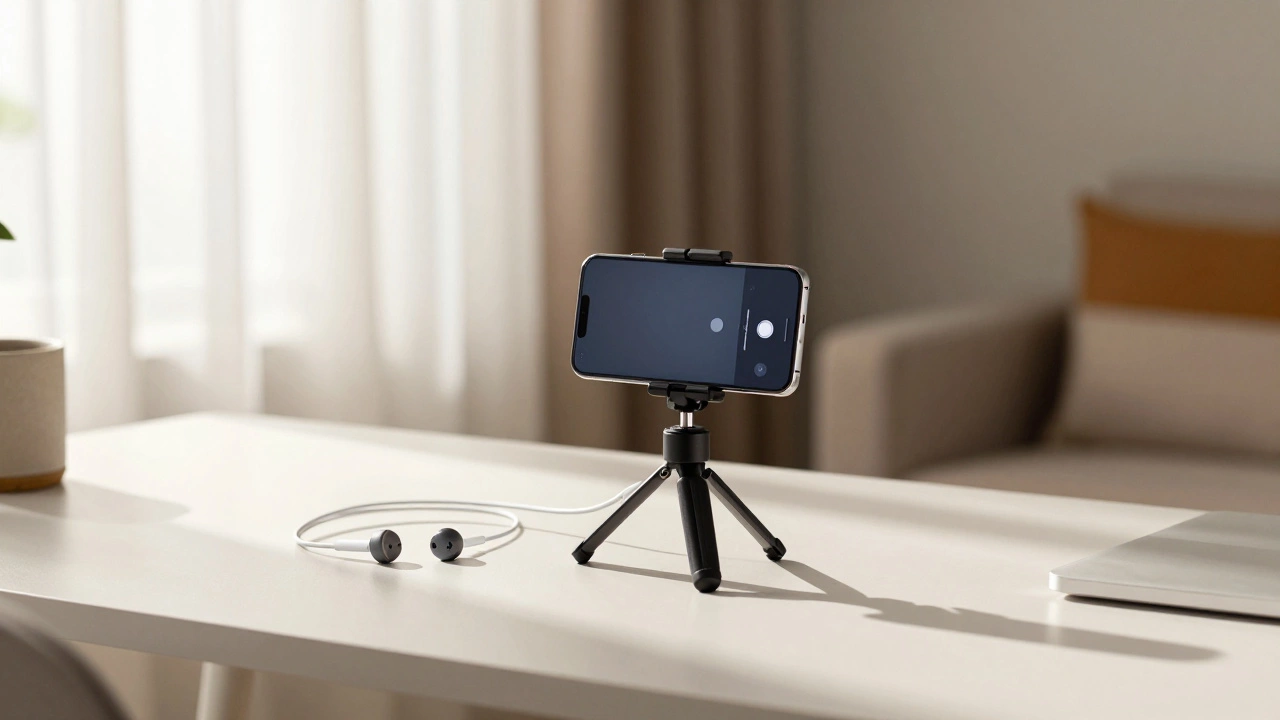
Audio is more important than video quality. Viewers will forgive grainy footage, but they will click away immediately if they cannot hear you clearly. Use the wired earphones that came with your phone as a microphone. Plug them in, and use the built-in mic on the earbud. Position it close to your mouth, about six inches away. Record in a quiet room with soft furnishings to reduce echo. Carpets, curtains, and sofas absorb sound. Hard surfaces reflect it.
Use the native camera app on your phone. Set it to record horizontally (landscape mode). Vertical videos look unprofessional on desktop screens, which is where many students will watch your course. Clean your lens before recording. It sounds silly, but smudges ruin clarity.
Step 3: Edit Your Videos for Free
Raw footage rarely looks polished. You need to cut out mistakes, add titles, and maybe include some B-roll. There are several powerful free video editors available in 2026.
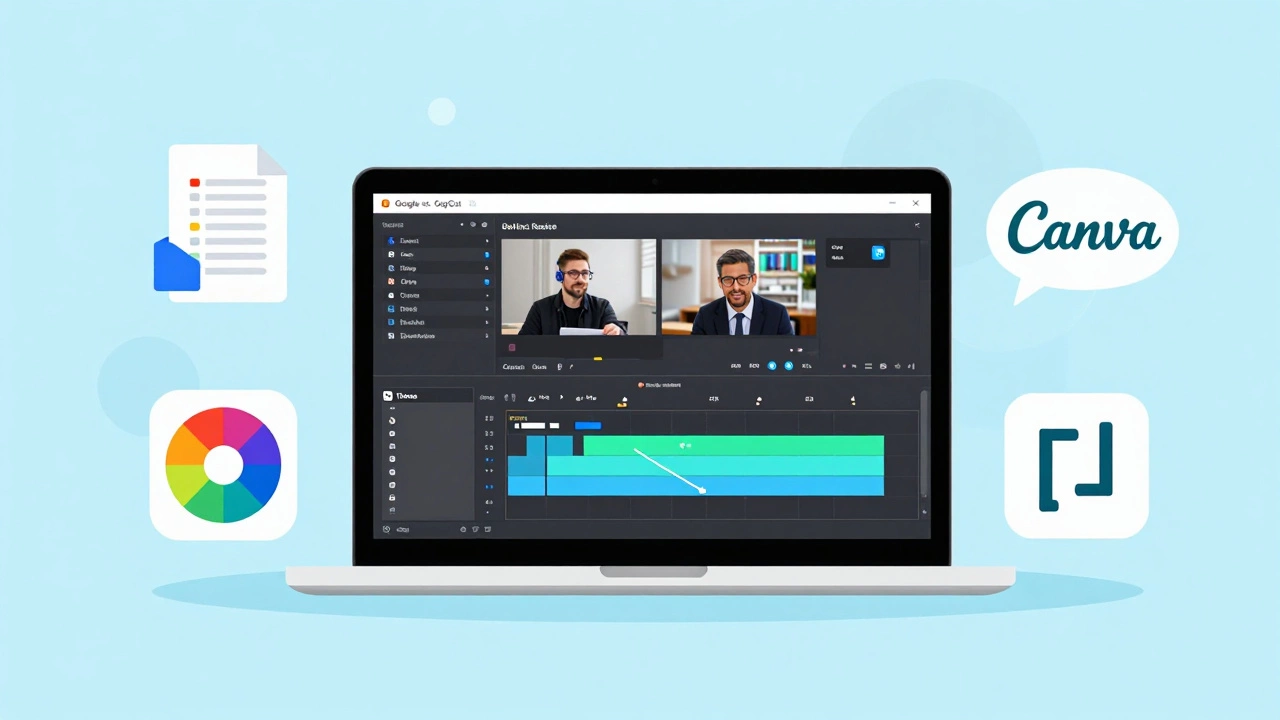
CapCut is a popular free video editor that offers intuitive drag-and-drop features, auto-captions, and a library of free effects. It works well on both mobile and desktop. Another excellent option is DaVinci Resolve is a professional-grade video editing software that offers a robust free version suitable for complex edits. While DaVinci has a steeper learning curve, it provides Hollywood-level color correction and audio post-production tools at no cost.
Keep your edits simple. Cut out pauses and "ums." Add text overlays to highlight key points. Do not overdo transitions or flashy effects. Your goal is clarity, not entertainment. If you are teaching coding, screen recording is essential. Use OBS Studio is free, open-source software for video recording and live streaming. It captures your screen and webcam simultaneously, allowing you to show code while explaining it.
Step 4: Host Your Content Without Monthly Fees
This is where most creators get stuck. They build great content but pay monthly fees for platforms like Teachable or Thinkific. You can avoid this entirely by choosing the right hosting strategy.
Option 1: Use a Free LMS. Platforms like Moodle is an open-source learning management system widely used in education. offer self-hosted solutions. You can install Moodle on a free tier of cloud hosting providers like Oracle Cloud or Google Cloud Platform, which often provide always-free tiers sufficient for small courses. This gives you full control over your data and branding.
Option 2: Use a Freemium Marketplace. Platforms like Udemy is a global marketplace for online courses. allow you to upload courses for free. They take a commission on sales, but you pay nothing upfront. This is ideal if you want access to their existing student base. However, you have less control over pricing and branding.
Option 3: Self-Host with Static Sites. If you are technical, you can build a simple course site using Gatsby is a static site generator based on React. or Hugo is a fast and flexible static site generator written in Go. Host these sites on GitHub Pages or Netlify, which offer generous free tiers. Embed your videos from YouTube (set to "Unlisted") or Vimeo Basic. This method requires some coding knowledge but results in a highly customizable, ad-free experience.
| Platform | Cost | Control | Best For |
|---|---|---|---|
| Moodle (Self-Hosted) | $0 (with free cloud tier) | High | Full ownership, academic style |
| Udemy | $0 (commission on sales) | Low | Access to existing audience |
| GitHub Pages + YouTube | $0 | Medium | Technical users, custom design |
Step 5: Design Engaging Materials with Canva
A course is not just video. Students need slides, worksheets, quizzes, and certificates. You do not need Adobe Creative Suite for this. Canva is a graphic design platform that allows non-designers to create visual content. offers a robust free plan with thousands of templates.
Create consistent branding. Choose two fonts and three colors. Stick to them across all materials. Consistency builds trust. Use Canva to design slide decks for your video presentations. Keep slides clean-minimal text, large images. Your voiceover should carry the information; the slides are visual aids.
Create downloadable PDFs for cheat sheets or checklists. These add tangible value. Use Canva’s export feature to save as PDF Standard. For quizzes, most LMS platforms have built-in quiz builders. If you are self-hosting, you can use free plugins or embed forms from Google Forms.

Step 6: Launch and Market for Free
Building the course is half the battle. Getting students is the other half. You do not need a marketing budget. You need community engagement.
Leverage social media. Share snippets of your course on LinkedIn, Twitter, or Instagram. Offer a free mini-course or a valuable lead magnet in exchange for email addresses. Build an email list using Mailchimp is an email marketing platform with a free tier for up to 500 contacts. or ConvertKit is an email marketing service tailored for creators.’s free plans.
Engage in relevant online communities. Reddit, Facebook Groups, and Discord servers are goldmines for finding your audience. Do not spam. Provide value first. Answer questions, share insights, and mention your course only when relevant. Authenticity beats promotion every time.
Offer early-bird incentives. Since your course is free, ask for testimonials in return. Social proof drives future sign-ups. Encourage students to share their progress. User-generated content is powerful marketing.
Common Pitfalls to Avoid
- Overcomplicating technology: Start simple. You can upgrade tools later. Do not let perfect be the enemy of done.
- Poor audio quality: Invest time in improving audio, even if it means re-recording. Bad audio kills credibility.
- Lack of structure: A clear roadmap keeps students engaged. Random videos feel like a mess.
- Ignoring feedback: Listen to your first students. Their feedback will help you improve the course significantly.
Next Steps for Different Personas
If you are a teacher, focus on curriculum alignment and assessment tools within Moodle. If you are a freelancer, use Udemy to showcase your skills and attract clients. If you are a developer, build a custom site with Gatsby and host code examples on GitHub. Each path offers unique advantages. Choose the one that aligns with your goals and technical comfort level.
Creating a course online for free is not just possible; it is practical. By leveraging free tools and focusing on value, you can educate others and establish yourself as an authority in your field. Start today. Your first lesson awaits.
What is the best free platform to create an online course?
Moodle is excellent for full control and academic structures. Udemy is best for reaching an existing audience without technical setup. For developers, GitHub Pages combined with YouTube offers maximum customization at zero cost.
Do I need a microphone to record my course?
Ideally, yes. However, you can start with the wired earphones that came with your smartphone. Ensure you record in a quiet, soft-furnished room to minimize echo. Audio quality is critical for student retention.
Can I sell my free course later?
Yes. Many creators start with a free model to build an audience and gather testimonials. Once you have social proof, you can move to a paid platform or introduce premium tiers with additional support or advanced modules.
How long should each lesson be?
Aim for 5 to 10 minutes per lesson. Shorter lessons are easier to consume and fit into busy schedules. If a topic requires more time, break it into multiple parts.
Is it legal to use free stock images in my course?
Yes, provided you use images from reputable sources like Unsplash or Pexels that offer royalty-free licenses. Always check the specific license terms for each image to ensure commercial use is allowed.