E-Learning Format Selector
Configure Your Learning Profile
Web-Based E-Learning Platform
95% MatchIdeal for comprehensive study requiring deep focus, detailed tracking, and formal assessment.
- Full access to LMS features
- Complex assessments & forums
- Certificate generation
Alternative Option
While a web platform is recommended, you might use a companion app for quick reviews during commutes if your schedule allows mixed usage.
Remember: The app is just a container; the e-learning content is what matters.
Why this choice?
Your need for a professional certification requires the robust tracking and accreditation capabilities of a Learning Management System (LMS), which are best accessed via a full web browser. Mobile apps often lack the depth for complex degree programs.
You open your phone to study for a certification exam. You tap an icon, watch a video, and take a quiz. It feels exactly like using any other app on your device. So, is e-learning just an app? The short answer is no. E-learning is a broad method of education delivered electronically. An app is simply one of many tools used to deliver that education.
Confusing the two can lead to frustration. If you are looking for a comprehensive degree program, downloading a flashcard app won't cut it. If you are trying to learn basic Spanish vocabulary while commuting, logging into a heavy desktop-based university portal might be overkill. Understanding the distinction between the medium (the app) and the methodology (e-learning) helps you choose the right resources for your goals in 2026.
Defining E-Learning: The Method, Not the Tool
E-learning is a system of education or training that uses electronic technologies to deliver content across a distance. This concept has existed since the late 1990s, evolving from CD-ROMs and early web pages to the sophisticated digital ecosystems we use today. It encompasses any learning activity supported by digital technology.
The core components of e-learning include:
- Content Delivery: Videos, text modules, podcasts, and interactive simulations.
- Assessment: Quizzes, exams, and project submissions graded digitally.
- Interaction: Discussion forums, live chats, and peer reviews.
- Tracking: Data collection on progress, completion rates, and performance metrics.
Think of e-learning as the curriculum and the teaching strategy. It is the "what" and "how" of education. The platform or app is merely the "where." You can access e-learning through a web browser on a laptop, a tablet, a smartphone app, or even email-based courses. The label "e-learning" applies regardless of the device you hold in your hand.
What Is a Learning App?
A learning app is a software application designed specifically for educational purposes. These are typically installed on mobile devices like smartphones or tablets. They are often referred to as mLearning (mobile learning) tools. Apps prioritize convenience, bite-sized content, and offline accessibility.
Popular examples include language learners like Duolingo, meditation guides like Headspace, or coding practice tools like SoloLearn. These apps are excellent for specific, narrow tasks. They gamify the experience to keep you engaged during short bursts of time. However, they rarely offer the depth required for professional certifications or academic degrees.
The key difference lies in scope. An app is a container. E-learning is the substance inside that container. While all learning apps facilitate e-learning, not all e-learning requires an app. In fact, many complex e-learning programs do not have dedicated apps at all, relying instead on responsive web design that works perfectly in a mobile browser.
The Role of Learning Management Systems (LMS)
To understand why e-learning isn't just an app, you need to look at the backbone of most formal online education: the Learning Management System (LMS). An LMS is a software application for administering, documenting, tracking, reporting, and delivering online educational courses or training programs.
Major players in this space include Moodle, Canvas, Blackboard, and TalentLMS. These systems are robust. They handle user authentication, grade books, certificate generation, and integration with third-party tools like Zoom or Slack. Most LMS platforms are accessed via a web browser. While many now offer companion apps for easier mobile access, the core functionality resides on the server side, accessible through any internet-connected device.
If you are taking a corporate compliance course or a university module, you are likely interacting with an LMS. The app, if it exists, is just a lightweight interface connecting you to that larger system. Without the LMS, the app would have no data, no structure, and no way to validate your learning outcomes.
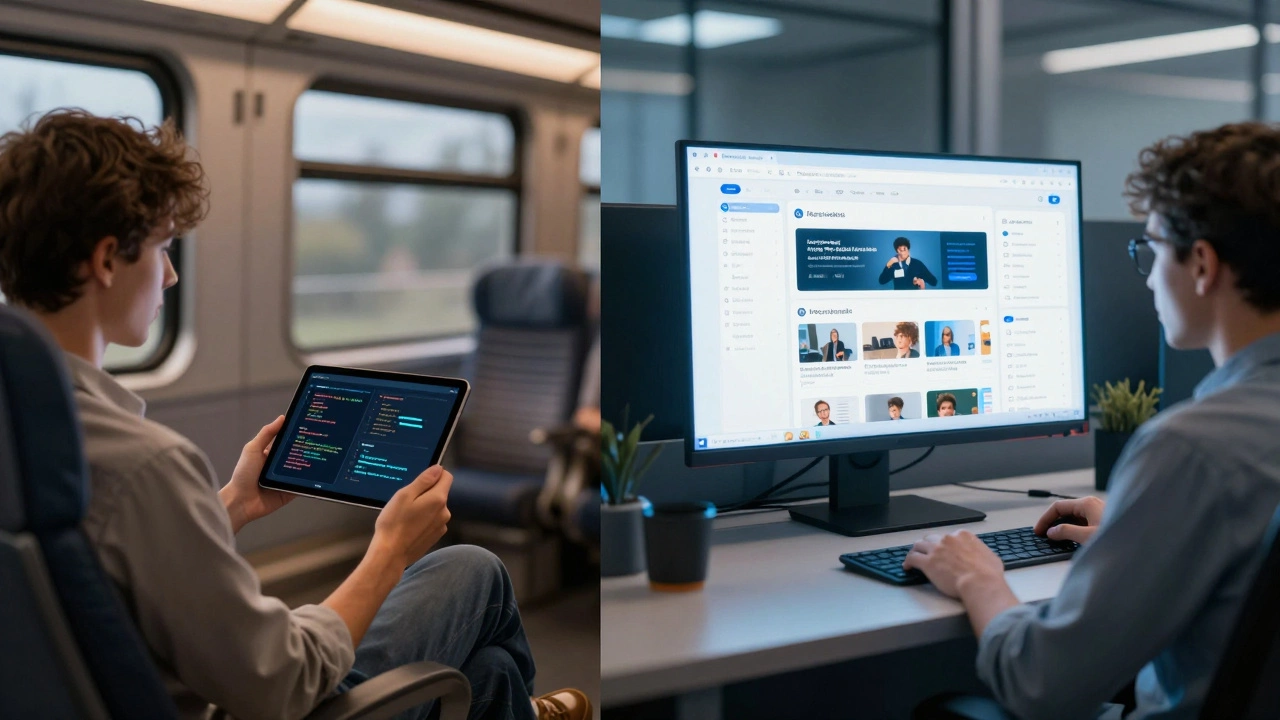
Comparing Apps vs. Web-Based E-Learning
Choosing between a dedicated app and a web-based e-learning platform depends on your learning style and objectives. Here is how they stack up against each other in practical scenarios.
| Feature | Dedicated Learning App | Web-Based E-Learning Platform |
|---|---|---|
| Accessibility | Requires installation; often works offline | Works anywhere with a browser; no install needed |
| Content Depth | Bite-sized, micro-learning focused | Comprehensive, long-form modules possible |
| Interactivity | Gamification, simple quizzes | Forums, video conferencing, complex assessments |
| Data Tracking | Basic progress stats | Detailed analytics, SCORM/xAPI compliance |
| Best For | Hobbyists, skill reinforcement, commuters | Students, professionals, corporate training |
For instance, if you want to learn guitar chords, an app like Yousician provides immediate feedback and fits into your pocket. But if you are studying music theory for a college credit, you will likely use a web-based platform that hosts lecture recordings, PDF textbooks, and discussion boards. The app serves as a supplement, not the primary vehicle.
Why the Distinction Matters in 2026
In 2026, the lines between these technologies are blurring due to advancements in artificial intelligence and cloud computing. Many web-based platforms now feel as snappy as native apps, thanks to Progressive Web App (PWA) technology. Conversely, apps are becoming more powerful, capable of hosting full virtual classrooms.
However, the distinction remains crucial for decision-making. When evaluating a course, ask yourself what you need from the provider. Do you need a credential? Then you need a structured e-learning program, likely hosted on an LMS. Do you need casual exposure to a topic? A standalone app might suffice.
Misunderstanding this can lead to wasted money. You might pay for a premium app subscription expecting a certified course, only to find it offers only unverified tips. Or you might sign up for a rigorous online degree, frustrated that it lacks the gamified engagement of a mobile game. Knowing that e-learning is the ecosystem and the app is just one node within it helps set realistic expectations.
How to Choose the Right Format for Your Goals
Your choice should align with your specific learning objectives. Here is a quick guide to help you decide.
- Identify the Outcome: Are you seeking a certificate, a job promotion, or personal enrichment? Formal outcomes require formal e-learning structures (LMS/Web).
- Assess Your Time: Do you have 30 minutes a day or three hours a week? Micro-learning apps suit fragmented time blocks. Deep dives require scheduled sessions on a computer.
- Check Device Preference: Are you primarily on mobile or desktop? If mobile-only, ensure the web platform is responsive or has a good app. If desktop-heavy, avoid apps that lack web counterparts.
- Verify Accreditation: If the goal is professional development, check if the provider is accredited. Apps rarely offer accredited credentials unless they are part of a larger institutional partnership.
For example, a marketing manager in Auckland might use a web-based Coursera or LinkedIn Learning account for a strategic marketing certification. Simultaneously, they might use a mobile app like Grammarly or Hemingway Editor to improve their writing skills daily. Both are forms of e-learning, but they serve different roles in their professional toolkit.
Common Misconceptions About Digital Learning
One common myth is that apps are less effective than traditional web-based courses. Research suggests otherwise when the content matches the format. Spaced repetition algorithms in apps like Anki are highly effective for memorization. Interactive simulations in web-based engineering courses are superior for understanding complex systems. The tool doesn't dictate success; the pedagogical design does.
Another misconception is that e-learning is isolated. Modern e-learning platforms heavily emphasize social learning. Features like group projects, peer grading, and live Q&A sessions mimic the collaborative nature of physical classrooms. Apps are catching up with community features, but web platforms still lead in fostering deep academic communities.
Finally, don't assume that "no app" means "outdated." Many top-tier universities and corporate training providers rely solely on browser-based interfaces because they offer greater flexibility, easier updates, and broader compatibility. The absence of an app icon on your home screen does not diminish the quality of the e-learning experience.
Can I get a degree using only a learning app?
Generally, no. While some universities offer mobile-friendly experiences, accredited degrees require comprehensive coursework, assessments, and administrative tracking that most standalone apps cannot support. You will typically need to access a full Learning Management System (LMS) via a web browser for degree-seeking programs.
Is e-learning the same as online learning?
They are often used interchangeably, but there is a subtle difference. Online learning implies real-time interaction, such as live video lectures. E-learning is a broader term that includes self-paced asynchronous content, downloadable materials, and any electronic delivery method, whether live or recorded.
Do I need to download an app to start e-learning?
No. Most e-learning platforms are web-based and accessible through any standard browser like Chrome, Safari, or Edge. Downloading an app is optional and usually intended for convenience, allowing offline access or quicker navigation on mobile devices.
Which is better for beginners: apps or web platforms?
Apps are often better for absolute beginners due to their intuitive interfaces and gamified elements that reduce intimidation. However, if you are learning a complex technical skill, a web-based platform with detailed documentation and community forums may provide necessary support that simple apps lack.
Are free learning apps reliable?
Reliability varies. Free apps are great for introductory concepts and hobbyist learning. However, for professional or academic credibility, verify the source. Look for apps backed by reputable institutions or companies. Be cautious of apps that promise rapid mastery without structured assessment, as they may lack pedagogical rigor.