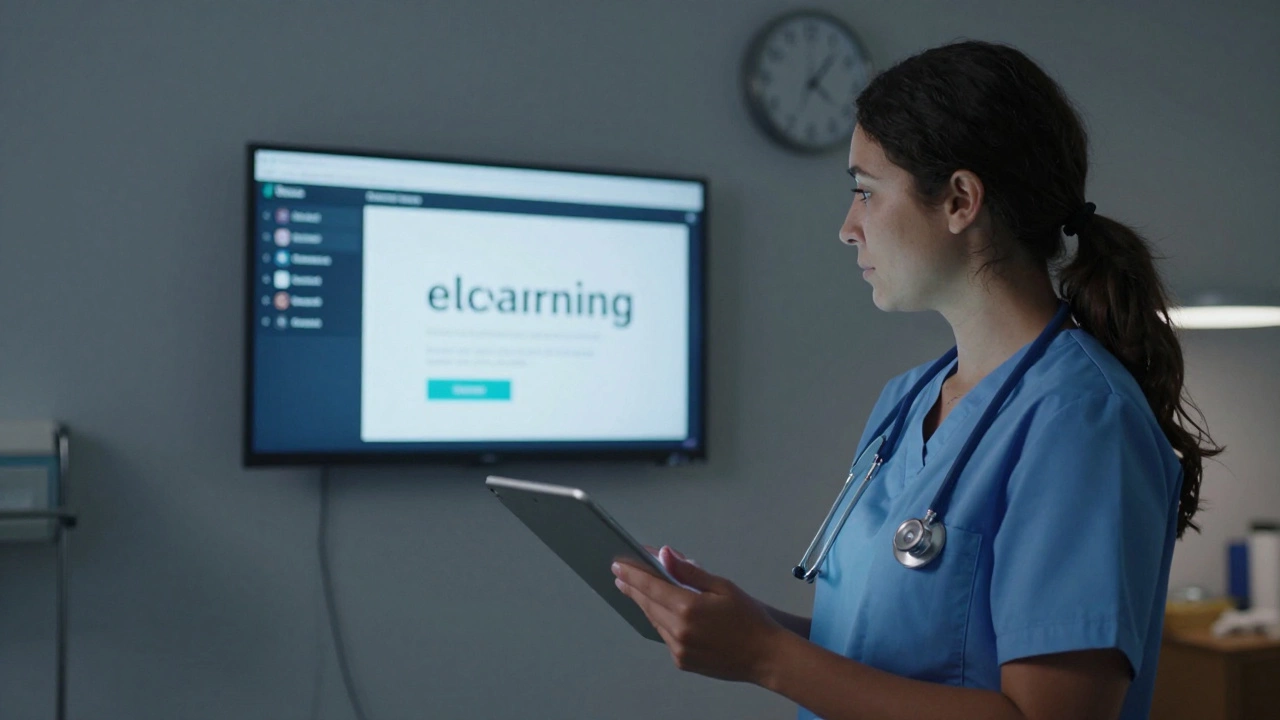
eLearning Platform Builder
Choose the best approach for your eLearning platform
Starting an eLearning platform isn’t about buying fancy software or hiring a big team. It’s about solving a real problem for real people. Think about it: millions of learners are stuck in rigid classroom schedules, while teachers and experts have knowledge they want to share. The gap? Access. Your platform can bridge that - if you build it right.
Know Your Niche Before You Build Anything
Too many people jump into building an eLearning platform because they think "online courses" is a big enough market. It’s not. "Online courses" is a sea of noise. What you need is a niche. Who are you serving? What specific problem are you solving?
Is it busy nurses in New Zealand who need to renew their certifications without leaving their shifts? Is it high school students in rural India preparing for engineering entrance exams? Is it small business owners in Southeast Asia who need to learn digital marketing without spending thousands on consultants?
When you pick a niche, you stop competing with Udemy and Coursera. You become the only choice for that group. For example, a platform called TeachNursing is a New Zealand-based eLearning platform that offers accredited continuing education for nurses, with mobile-friendly modules and offline access for shift workers. They didn’t try to teach everything. They taught one thing - really well.
Choose Your Platform Model: Build, Buy, or Hybrid
You have three real options here:
- Build from scratch - using tools like WordPress + LearnDash or Moodle. This gives you full control but needs technical skills.
- Buy a ready platform - like Thinkific, Kajabi, or Teachable. These are plug-and-play, handle payments, hosting, and student dashboards. You focus on content.
- Hybrid approach - start with a ready platform, then add custom features later. Most successful platforms began this way.
For beginners, go with Thinkific is a no-code eLearning platform that lets you create, market, and sell online courses with built-in payment processing, student tracking, and email automation. It’s used by over 100,000 course creators. You can launch your first course in under 48 hours. No coding. No server setup. Just upload videos, write lessons, and hit publish.
Content Is King - But Structure Is Queen
You don’t need Hollywood production quality. You need clarity. A 10-minute video where you explain one concept clearly beats a 30-minute lecture with shaky audio and distracting background noise.
Break your course into micro-modules. Each one should answer one specific question:
- How do I fill out Form 12B for NZ tax credits?
- What are the top 5 mistakes in IELTS writing task 2?
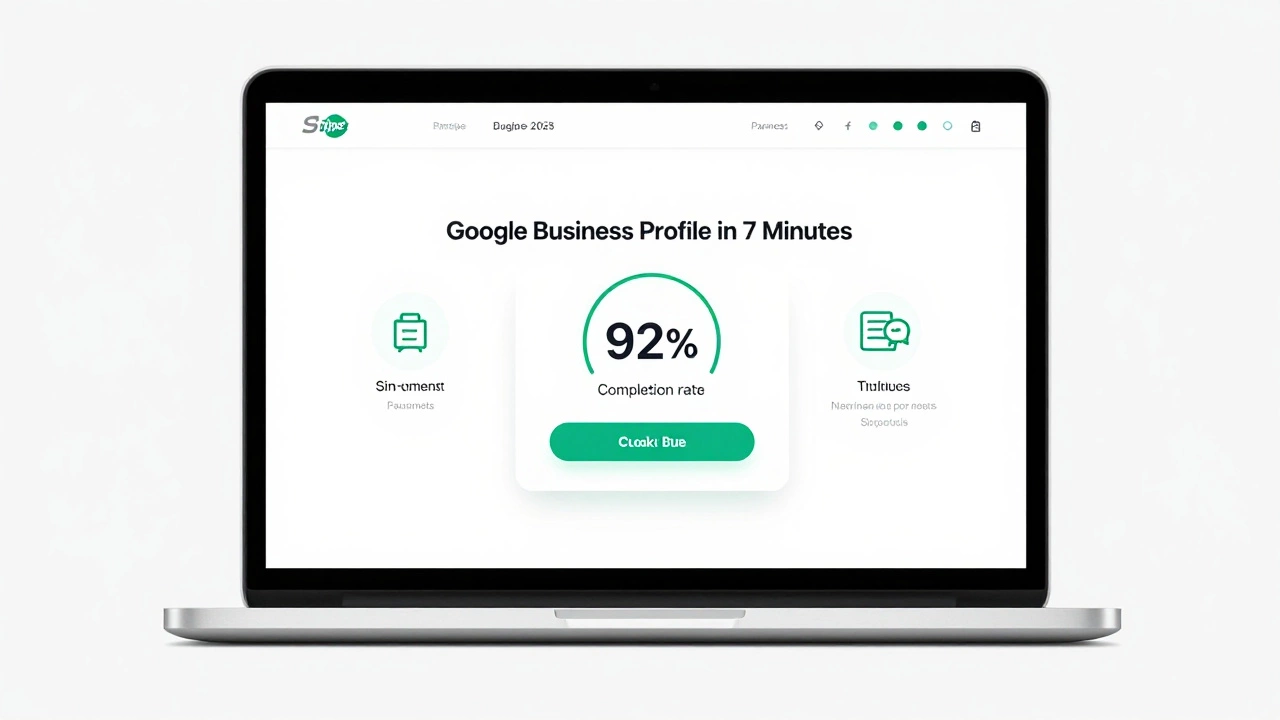
- How do I set up a Google Business Profile in 7 minutes?
Use a simple structure for every lesson:
- State the problem (15 seconds)
- Show the solution (2-4 minutes)
- Give a quick action step (30 seconds)
People don’t learn from theory. They learn by doing. Add one quiz, one worksheet, or one short assignment per module. That’s what turns passive viewers into active learners.

Payment, Pricing, and Trust
How you charge matters more than you think. Don’t start with a $299 course. Start with a $17 mini-course. Why? Because it removes fear. People will try $17. They won’t try $299 without knowing you.
Once they complete the mini-course and see results, they’ll ask: "What’s next?" That’s when you upsell. Offer a $99 bundle. Then a $249 certification track.
Use Stripe is a payment processing system that handles credit cards, Apple Pay, and international payments with low fees and automatic tax calculations for New Zealand sellers. It’s the easiest way to accept payments globally. Most eLearning platforms integrate with it automatically.
Also, add trust signals:
- Real student testimonials (video if possible)
- A 7-day money-back guarantee
- Clear refund policy on the checkout page
People don’t buy courses. They buy confidence that they’ll get results.
Launch - Then Listen
Don’t wait for perfection. Launch with your first 3 lessons. Get 10 beta students. Ask them: "What confused you? What felt useless? What made you want to keep going?"
One founder in Auckland started with just a Google Form and a Zoom call. She offered free access to her first 5 lessons in exchange for feedback. Within 2 weeks, she had 47 sign-ups. She used their feedback to fix the course flow, add downloadable checklists, and shorten videos. Her first paid course launched with a 92% completion rate.
Track these numbers:
- Completion rate (aim for 60%+)
- Conversion from free to paid (aim for 15%+)
- Student retention after 30 days
These tell you if your platform is working - not how many visitors you got.
Grow Beyond the Platform
Your platform isn’t a website. It’s a community. People join because they want to belong.
Add a private Slack group. Or a weekly live Q&A. Or a student spotlight feature. One platform in Wellington started a "Student of the Month" contest. Winners got featured on the homepage and received a free advanced module. Engagement jumped 300% in 3 months.
Also, use content marketing. Write short blog posts. Record 60-second TikTok tips. Answer questions on Reddit or Facebook groups related to your niche. Every piece of content is a doorway back to your platform.
What Most People Get Wrong
They think they need:
- A fancy logo
- A mobile app
- 100 courses
- A team of 5 people
You need:
- One solved problem
- One clear audience
- One easy way to pay
- One person who says, "This changed my life."
Start small. Stay focused. Listen. Improve. Repeat.
Do I need to code to start an eLearning platform?
No. Platforms like Thinkific, Kajabi, and Teachable let you build fully functional eLearning sites without writing a single line of code. You upload videos, add quizzes, set pricing, and publish. Technical skills help if you want to customize deeply, but they’re not required to launch.
How much does it cost to start an eLearning platform?
You can start for under $50 a month. Thinkific’s basic plan is $39/month. Add a domain name ($12/year) and a simple video editor like CapCut (free). That’s about $50 total to launch your first course. If you already have content, your only real cost is time.
Can I make money with just one course?
Yes. Many successful eLearning businesses started with one course and grew from there. A teacher in Christchurch made over $12,000 in her first year selling just one course on NZ driving laws for new immigrants. The key isn’t quantity - it’s quality and targeting the right audience.
What’s the biggest mistake new eLearning creators make?
Trying to be everything to everyone. Instead of building a platform for "everyone who wants to learn," they try to teach coding, business, fitness, and language. That spreads them too thin. The most profitable platforms serve one specific group with one clear outcome.
How do I get students to my platform?
Start where your audience already is. If you’re teaching NZ tax rules, join Facebook groups for new immigrants. If you’re helping students pass exams, answer questions on Reddit or Quora. Offer a free mini-lesson in exchange for their email. Build trust before you ask for payment.
If you’re serious about starting an eLearning platform, your first step isn’t buying software. It’s writing down the name of one person who needs your help - and what they’re struggling with right now. That’s your starting point. Everything else follows.