
eLearning Platform Selector
Find the best eLearning platform type for your needs based on your goals, certificate requirements, and time commitment.
Recommended Platform Type
Ever opened a website and started a course without stepping into a classroom? That’s an eLearning platform at work. It’s not just videos or PDFs - it’s a full system built to teach you something, track your progress, and even give you a certificate when you’re done. You don’t need to be tech-savvy. You just need an internet connection and the will to learn.
What Exactly Is an eLearning Platform?
An eLearning platform is a digital space where courses are hosted, lessons are delivered, and learners interact with content - all online. Think of it like a virtual school. Instead of walking into a building, you log in. Instead of a whiteboard, you watch a video or click through slides. Instead of handing in a paper, you submit a quiz or a project.
These platforms don’t just show you material. They remember what you’ve done, suggest what to do next, and sometimes even give you feedback automatically. Some even let you chat with instructors or classmates. They’re used by schools, companies, and individuals - from a high school student learning algebra to a nurse getting certified in CPR.
The core pieces of any eLearning platform include:
- A course library with videos, readings, and quizzes
- A way to track your progress (like progress bars or completion badges)
- Login and user profiles
- Communication tools (forums, messaging, live chat)
- Reporting for teachers or managers
How Is It Different From Just Watching YouTube Videos?
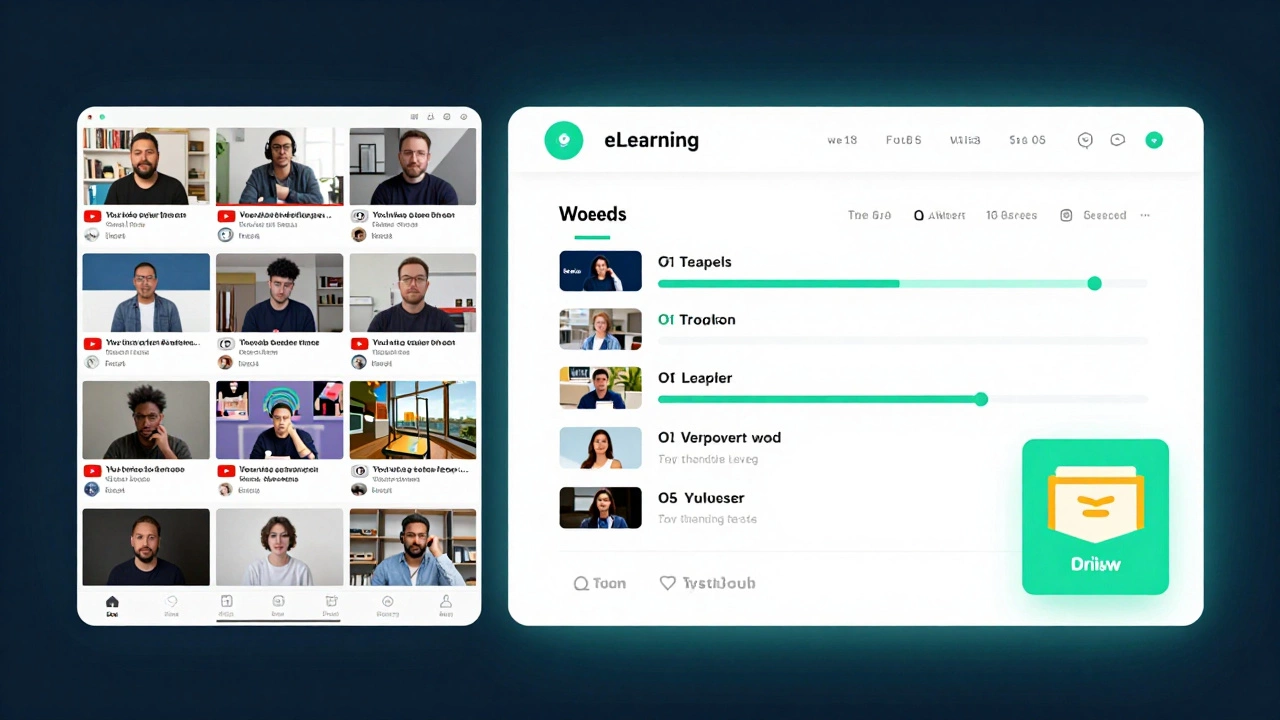
YouTube is great for quick tips. But if you want to learn a full skill - say, how to code in Python or manage a team - you need structure. That’s where eLearning platforms step in.
On YouTube, you’re on your own. You watch a video, get distracted, forget what you learned, and never finish the topic. An eLearning platform gives you a path. It breaks big topics into small steps. It tests you after each lesson. It reminds you when you’ve fallen behind. It gives you a certificate at the end - something you can add to your LinkedIn profile or resume.
For example, if you take a project management course on Coursera, you’ll get weekly assignments, peer reviews, and a final exam. When you pass, you get a verified credential. On YouTube, you might watch ten videos on project management and still not know how to create a Gantt chart.
Who Uses eLearning Platforms?
Almost everyone.
Students use them to catch up on schoolwork or prep for exams. Professionals use them to learn new skills for promotions - like data analysis, digital marketing, or cybersecurity. Companies use them to train employees without sending them to a conference center. Even retirees use them to pick up new hobbies like painting, photography, or learning Spanish.
Here’s how different groups use them:
- Students: Take AP classes, learn coding, or study for SATs outside school hours.
- Working adults: Upskill without quitting their jobs. A teacher might learn how to use AI tools in the classroom. A cashier might learn basic accounting.
- Companies: Train 500 employees on safety rules in 30 minutes instead of holding 10 in-person sessions.
- Nonprofits and governments: Teach literacy, financial literacy, or health basics to large groups in rural areas.
What Are the Most Common Features?
Not all eLearning platforms are the same. But most include these key features:
- Course catalogs: Organized by subject, difficulty, or duration. You can filter by free vs. paid, self-paced vs. live.
- Interactive content: Quizzes, drag-and-drop exercises, simulations. You don’t just watch - you do.
- Progress tracking: Shows you how much you’ve completed, how long you’ve spent, and where you’re weak.
- Mobile apps: Learn on your phone during your commute. Many platforms let you download lessons for offline use.
- Certificates: Proof you finished the course. Some are free. Others cost money and are recognized by employers.
- Discussion boards: Ask questions, help others, and build a learning community.
Some advanced platforms even use AI to suggest courses based on what you’ve done before. Others use video analytics to tell instructors if students are skipping parts of lectures.
Free vs. Paid: What’s the Difference?
You can start learning for free on many platforms. Khan Academy, YouTube EDU, and OpenLearn offer solid content at no cost. But paid platforms like Udemy, LinkedIn Learning, and Coursera give you more.
Here’s what you typically get with paid options:
- Structured learning paths (not just random courses)
- Access to industry-recognized certificates
- Graded assignments and feedback from instructors
- Downloadable resources like templates, code samples, or worksheets
- Offline access and mobile apps without ads
- Corporate licenses (if your employer pays for it)
For example, a free course on Udemy might teach you how to use Excel. But the paid version includes real-world projects, a downloadable workbook, and a certificate you can show to your boss.
Don’t assume paid is always better. Some free platforms, like MIT OpenCourseWare, offer university-level content from top schools - with no cost at all.
How Do You Choose the Right One?
There are hundreds of eLearning platforms. Picking the right one depends on what you want to learn and why.
Ask yourself:
- What’s my goal? (Get a job? Pass an exam? Learn a hobby?)
- Do I need a certificate? (Some jobs require it. Others don’t care.)
- How much time can I commit? (Some courses take 2 hours. Others take 6 months.)
- Do I prefer video, reading, or doing exercises?
- Is there a community? (Learning with others helps you stick with it.)
Here’s a quick guide:
| Goal | Best Platform Type | Example Platforms |
|---|---|---|
| Learn coding for a job | Structured, project-based | freeCodeCamp, Codecademy, Udacity |
| Prepare for a certification exam | Official or accredited | Coursera (Google Certificates), edX (Microsoft), LinkedIn Learning |
| Learn a language | Interactive, speech-focused | Duolingo, Babbel, Busuu |
| Study for school or college | Free, curriculum-aligned | Khan Academy, CK-12, OpenLearn |
| Learn a creative skill | Video-heavy, project-driven | Skillshare, Domestika |
What Are the Downsides?
It’s not perfect. Many people start a course and never finish. Why? Because learning online takes discipline. There’s no teacher standing over you. No one asks, “Did you do the reading?”
Other issues:
- Too many choices: Overwhelm can stop you before you start.
- Low engagement: If the course is just videos with no interaction, you’ll lose interest.
- Bad quality: Anyone can upload a course. Check reviews before buying.
- Internet dependency: No connection? No learning. Some platforms help with offline access, but not all.
The best way to beat these? Set a schedule. Block 20 minutes a day. Treat it like an appointment. Join a study group. Find a learning buddy. Accountability makes the difference.
What’s Next for eLearning?
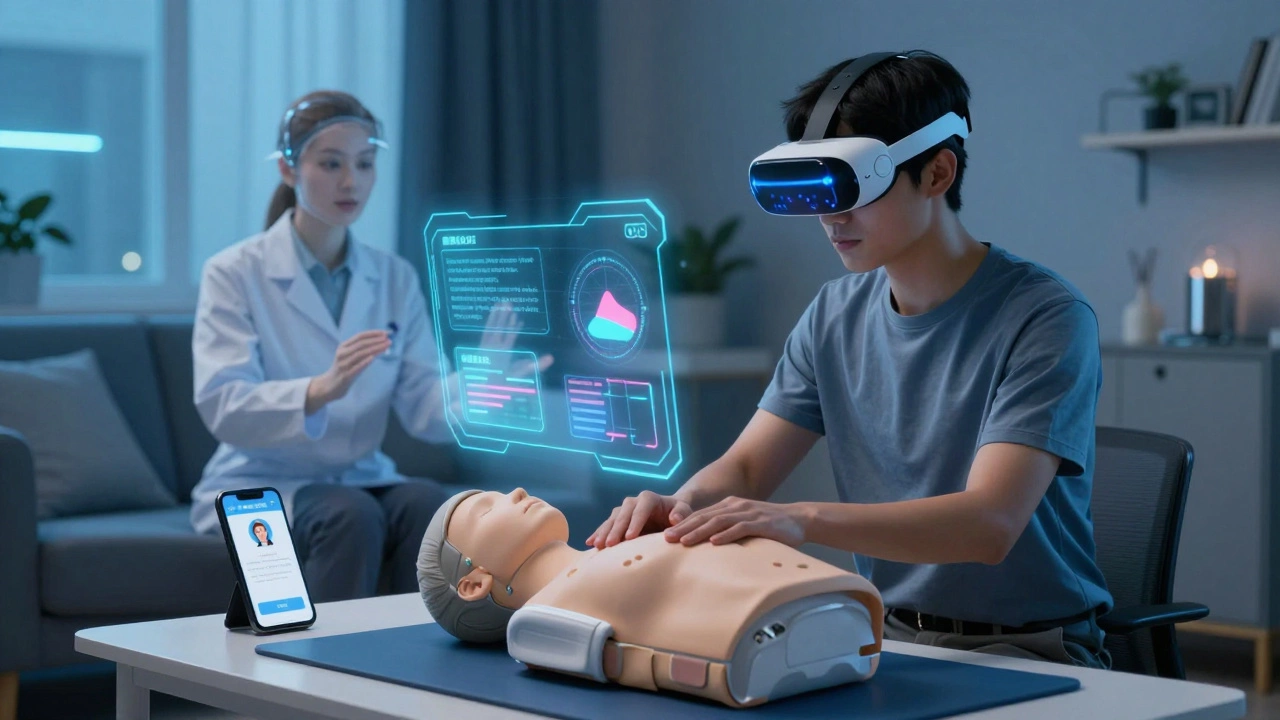
In 2025, eLearning platforms are getting smarter. AI tutors now answer your questions in real time. Virtual reality lets you practice surgery or repair a car engine in a simulated lab. Some platforms even use facial recognition to tell if you’re paying attention.
Employers are also starting to trust online certificates more. A 2024 LinkedIn report showed that 73% of hiring managers now consider online credentials from top platforms as valuable as traditional degrees - especially in tech, marketing, and data fields.
Mobile learning is growing fast too. More than half of all eLearning happens on phones now. That means courses are being designed for shorter attention spans, bite-sized lessons, and voice-based interaction.
The future isn’t about replacing teachers. It’s about giving more people access to them - no matter where they live, what they earn, or what time of day they have free.
Is an eLearning platform the same as a learning management system (LMS)?
They’re similar, but not the same. An eLearning platform is usually designed for learners - think Udemy or Khan Academy. A Learning Management System (LMS) is for organizations - like schools or companies - to manage courses, track users, and assign learning. Think Canvas, Moodle, or Blackboard. Many eLearning platforms use LMS technology behind the scenes, but you don’t see it as a learner.
Do I need to pay for an eLearning platform?
No, you don’t. Many high-quality platforms are completely free - like Khan Academy, MIT OpenCourseWare, and OpenLearn. Paid platforms offer extra features like certificates, graded assignments, and expert feedback. If you’re learning for fun or personal growth, free is fine. If you need proof for your resume or job, pay for the verified version.
Can I get a job just by taking courses on an eLearning platform?
Yes - but not just because you took a course. Employers care about what you can do. If you complete a data analysis course and build three real projects using real data, you’re already ahead of most applicants. Many people land jobs after building portfolios from free courses. Certificates help, but your work speaks louder.
Are eLearning certificates recognized by employers?
It depends. Certificates from big names like Coursera (partnered with Stanford or Google), edX (with Harvard or MIT), or LinkedIn Learning are widely accepted. Certificates from unknown providers or random YouTube creators? Not so much. Always check if the platform partners with reputable institutions or companies.
How do I stay motivated when learning online?
Set small goals. Finish one lesson a day. Use apps like Notion or Google Calendar to schedule your study time. Join a community - many platforms have forums or Discord groups. Tell a friend what you’re learning. Accountability works. And reward yourself. Finished a module? Watch your favorite show. Small wins keep you going.
There’s never been a better time to learn something new. You don’t need to wait for a semester to start. You don’t need to move cities or spend thousands. All you need is curiosity - and an eLearning platform to guide you.