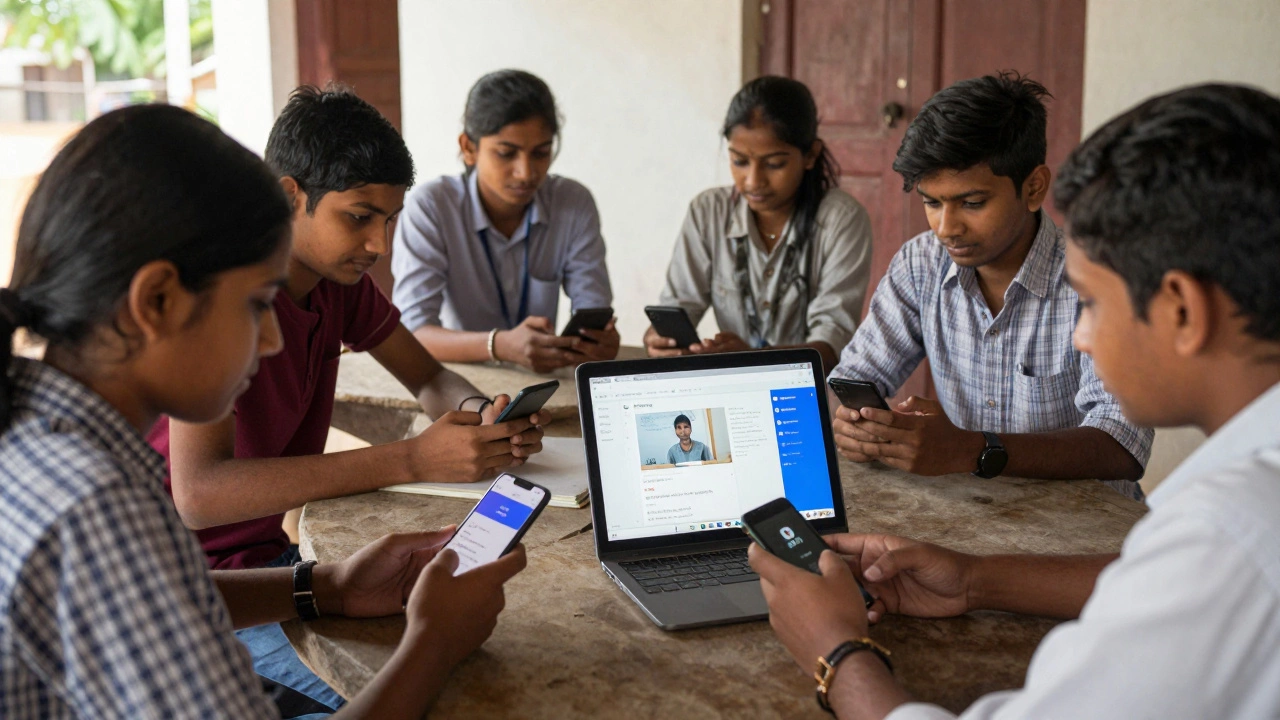
When you think of digital platforms for learning, one name comes up more than any other: Moodle. It’s not flashy. It doesn’t run ads on your screen. It doesn’t promise to turn you into a coding genius in seven days. But it’s the backbone of over 100 million learners worldwide - from high school students in rural India to corporate training teams in Germany. If you’ve ever taken an online course through a school, university, or workplace, there’s a good chance it ran on Moodle.
What exactly is a digital learning platform?
A digital learning platform is a software system that lets educators create, deliver, and track learning content online. Think of it like a virtual classroom you can access from any device with internet. You don’t need to be in the same room as your teacher. You don’t need to wait for printed handouts. Everything - videos, quizzes, assignments, discussion boards - lives in one place.
It’s not just about watching videos. Real platforms let you submit work, get feedback, see your grades, and even chat with classmates. Some let teachers set deadlines, lock content until you finish a module, or automatically grade multiple-choice tests. That’s the difference between a YouTube playlist and a true digital learning platform.
Why Moodle dominates the space
Moodle is open-source. That means no company owns it. Schools and universities can install it for free, tweak it to their needs, and don’t have to pay per student. It’s used by 90% of New Zealand’s public universities and over half of all Australian TAFEs. In South Africa, it powers national literacy programs. In Norway, it’s the default tool for adult education.
Why does it beat the big names like Canvas or Blackboard? Because it doesn’t lock you in. If your school decides to switch tools, they can take all their courses, student data, and grades with them. No vendor lock-in. No hidden fees. Just a platform built by educators, for educators.
It’s also built for collaboration. Discussion forums in Moodle aren’t just comment sections - they’re threaded conversations where students can reply to each other, tag peers, and even vote on the best answers. Teachers can see who’s participating, who’s falling behind, and jump in before someone gets lost.
What features make a platform truly useful?
Not all digital learning platforms are created equal. Here’s what actually matters in real classrooms:
- Assignment submission with feedback - Students upload essays or projects. Teachers grade them with comments, rubrics, or audio notes. Some even let students resubmit after feedback.
- Quizzes with instant feedback - Multiple choice, true/false, matching - all auto-graded. Students know right away if they got it right and why.
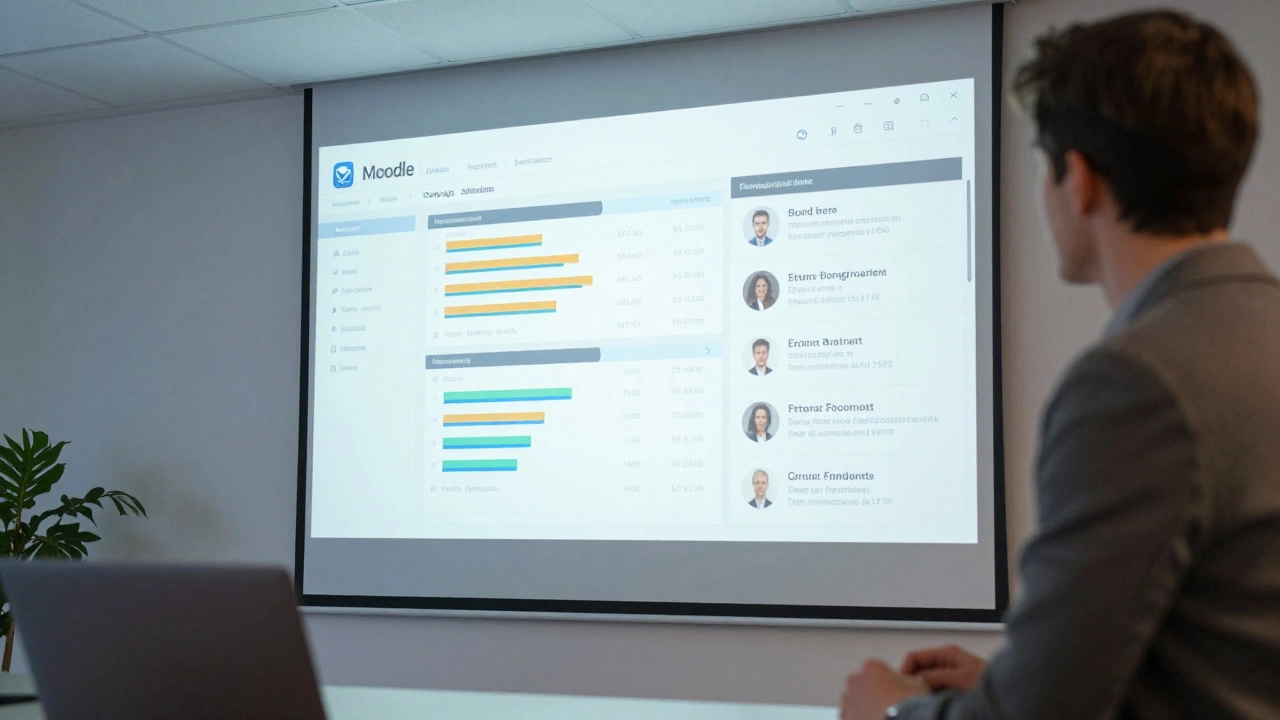
- Progress tracking - Both students and teachers can see completion rates, time spent, quiz scores. No more guessing who’s keeping up.
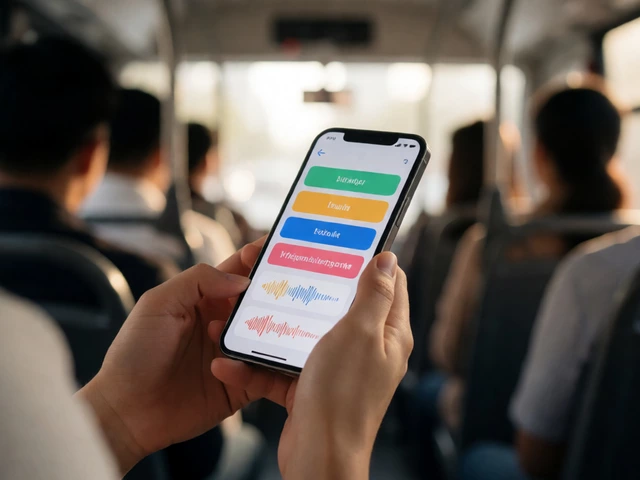
- Mobile access - If the platform doesn’t work on your phone, it’s useless for students without laptops.
- Integration with other tools - Can it connect to Google Drive? Zoom? YouTube? A good platform doesn’t force you to jump between ten different apps.
These aren’t nice-to-haves. They’re the reason some online courses work - and others fail.
Other platforms you might have seen
Moodle isn’t the only game in town. You’ve probably run into others:
- Canvas - Popular in U.S. universities. Clean interface, easy to use, but expensive for schools. Often requires annual licensing fees.
- Google Classroom - Simple, free, and great for K-12. But it’s not built for complex courses. No advanced grading tools, no detailed analytics, no offline access.
- Blackboard - Used by many large universities. Powerful but clunky. Many students say it’s hard to navigate. Updates often break things.
- Edmodo - Feels like Facebook for schools. Good for younger students, but limited for higher education or professional training.
Each has strengths. But only Moodle gives you full control, deep customization, and zero ongoing costs. That’s why it’s still the most common digital learning platform - even in 2025.
How do students actually use it day-to-day?
Imagine a student in Wellington taking a biology course online. Every Monday, new lecture videos appear in Moodle. They’re 15 minutes long - short enough to watch during lunch. After each video, there’s a five-question quiz. If they get two wrong, the system suggests they rewatch the section.
On Wednesday, they join a live Zoom session linked from Moodle. The teacher answers questions from the discussion forum, where students posted problems over the weekend. On Friday, they submit a lab report as a PDF. Two days later, they get feedback with a rubric: ‘Good analysis, but cite your sources properly.’
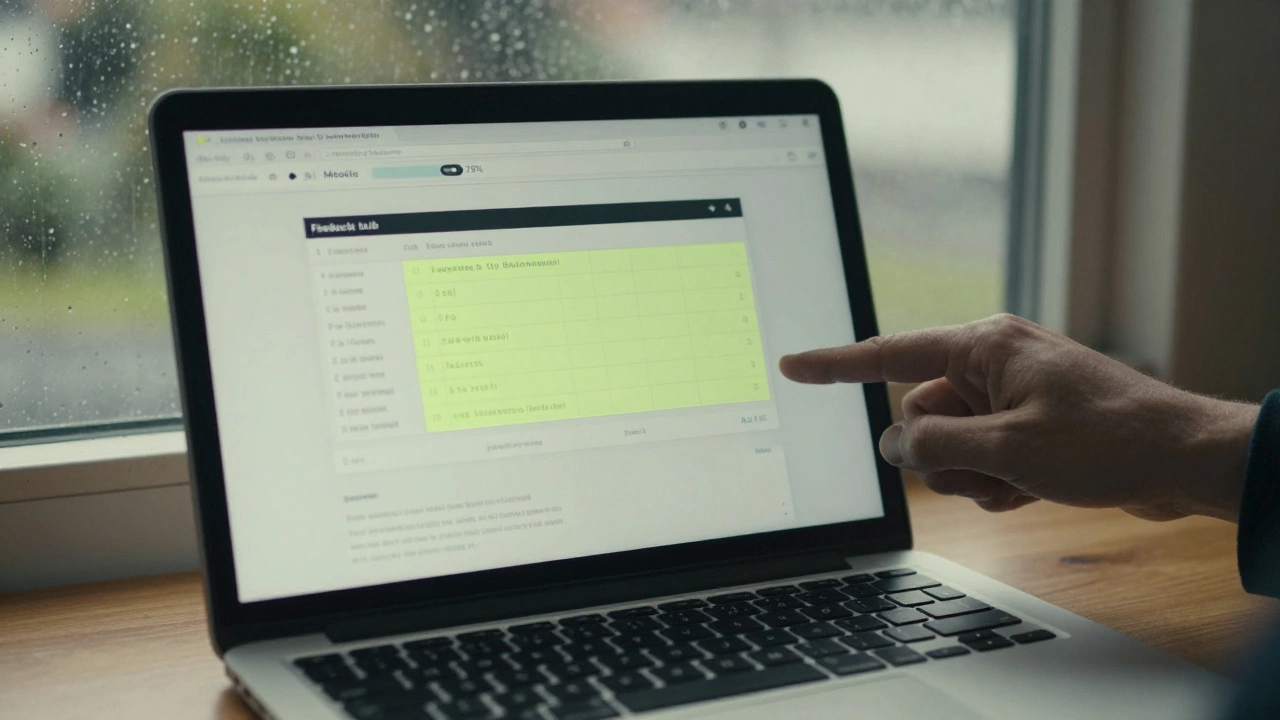
They check their progress bar: 78% complete. They’re ahead of schedule. They feel in control.
That’s not magic. That’s a well-designed digital learning platform.
What happens if you pick the wrong one?
Many schools jump on the latest trend - a shiny app with TikTok-style videos and gamified badges. It looks fun. But after six months, teachers realize they can’t track student progress. Grades don’t sync. No one uses the discussion boards. The platform gets abandoned.
Or worse - they sign a three-year contract with a vendor that charges $10 per student per year. By year two, the budget’s gone. They’re stuck.
Choosing a platform isn’t about looks. It’s about sustainability. Can your teachers use it without training? Can students access it on a $50 phone? Can your school afford it next year? These questions matter more than animations or emojis.
What’s next for digital learning platforms?
AI is starting to show up - grading essays, suggesting study paths, even writing quiz questions. But the core hasn’t changed. The best platforms still focus on one thing: helping people learn, not just consume content.
That’s why Moodle keeps winning. It doesn’t try to be everything. It does the basics - assignments, feedback, tracking, collaboration - better than anyone else. And because it’s open-source, it keeps improving. Developers from Kenya, Brazil, and Japan all contribute fixes and features.
It’s not the loudest platform. But it’s the one that’s still standing after 20 years.
Is Moodle free to use?
Yes, Moodle is completely free to download and use. Schools and organizations can install it on their own servers without paying licensing fees. However, if you don’t have technical staff to set it up, you can pay a third-party provider to host it for you - similar to hiring someone to manage your website. The software itself remains free.
Can I use Moodle for personal learning?
You can, but it’s not designed for solo learners. Moodle is built for teachers to manage courses. If you want to learn on your own, platforms like Coursera or Khan Academy are easier. But if you’re creating your own course - say, a guide to gardening or basic coding - Moodle lets you build it fully, with quizzes and downloads, and share it with anyone.
Do employers recognize Moodle-based certificates?
Yes, especially in education, healthcare, and public sectors. Many universities and government agencies use Moodle to deliver professional development. A certificate issued through your employer’s Moodle system carries the same weight as one from a traditional course - because it’s tied to verified completion, not just watching videos.
How secure is Moodle?
Moodle is one of the most secure learning platforms available. It follows international data protection standards like GDPR and NZ’s Privacy Act. Schools control their own servers, so student data doesn’t go to a third-party company. Regular security updates are released by the global Moodle community, and many institutions run penetration tests to stay ahead of threats.
Can Moodle work without internet?
No - you need internet to log in, submit assignments, or watch videos. But Moodle allows you to download course materials like PDFs, videos, and audio files to your device. Students in areas with poor connectivity can download everything at the library or school, then work offline. When they reconnect, they upload their work.
What should you look for when choosing a platform?
If you’re a teacher, administrator, or even a student choosing a course, here’s what to ask:
- Can I access everything on my phone? (Not just a mobile-friendly site - a real app or responsive design.)
- Can teachers give detailed feedback, not just grades?
- Is the platform used by other schools or institutions I trust?
- Are there hidden costs? (Per-user fees? Mandatory training? Upgrades?)
- Can I export my data if I leave?
If the answer to any of those is ‘no,’ keep looking. The right platform doesn’t just host content - it supports learning.