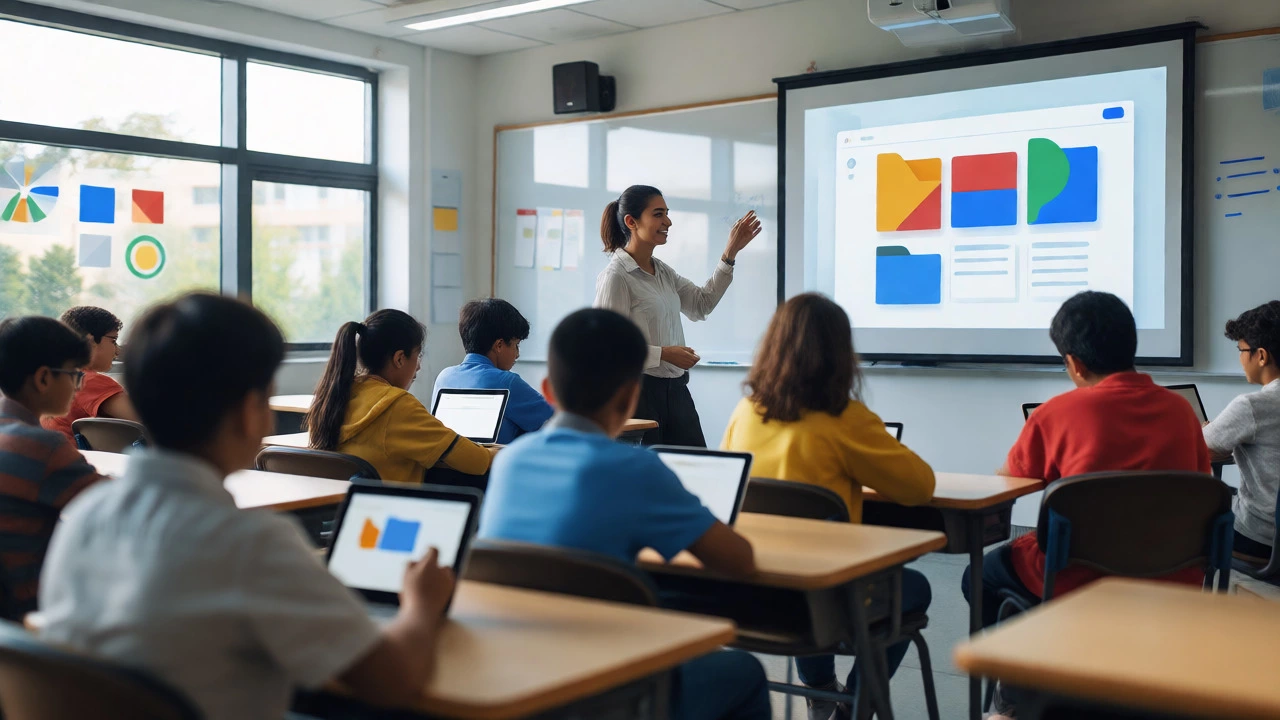
LMS Platform Selector
Not sure which platform fits your classroom? Answer these quick questions to get a personalized recommendation.
You open your browser, hit the bookmark for Google Classroom, and a little voice in your head whispers: "Is this thing dead?" It’s a question popping up more often lately, especially as we move deeper into 2026. Rumors fly around staff rooms and parent groups like wildfire. One minute it’s "Google is killing it," the next it’s "It’s merging with something else." So, let’s cut through the noise. Is Google Classroom actually being discontinued? The short answer is no. But the longer answer involves some significant shifts that you need to know about if you rely on it for teaching or learning.
The Short Answer: No, But Things Are Changing
Google Classroom is not going away anytime soon. In fact, it remains one of the most widely used learning management systems (LMS) in schools globally. However, Google has been quietly reorganizing how its educational tools fit together. They aren’t deleting Classroom; they are integrating it more tightly with Google Workspace for Education. Think of it less as a retirement party and more as a corporate restructuring. If you’re seeing changes in the interface or new prompts to use other apps, that’s part of the plan, not the end game.
Why Do People Think It’s Dying?
If it’s not dead, why does everyone talk about it like it’s on life support? Several factors feed this misconception. First, Google retired several standalone features years ago. For instance, they shut down specific legacy add-ons that didn’t play well with modern security standards. Teachers remember these old tools fondly, so when they disappear, people assume the whole platform is crumbling. Second, Google has aggressively pushed Gemini, their AI assistant, into every corner of Workspace. This constant UI tweaking can feel like instability, even though it’s just evolution. Third, competitors like Microsoft Teams for Education have ramped up marketing, making schools wonder if they should jump ship before it’s too late.
What Actually Changed in 2025-2026?
Let’s look at what’s really happening under the hood. Google didn’t kill Classroom; they upgraded its engine. The core functionality-assigning work, grading, communicating-remains intact. But the integration points have shifted. Here’s what you might notice:
- Deeper Drive Integration: Assignments now pull directly from Google Drive folders with fewer clicks. This reduces the "file loss" panic many teachers felt in earlier versions.
- AI-Powered Grading: With Gemini integrated, teachers can get auto-suggestions for feedback. It doesn’t grade for you, but it drafts comments based on rubrics you set up.
- Security Overhauls: Google tightened authentication protocols. You might see more frequent sign-out requests or multi-factor authentication prompts. This isn’t because the app is buggy; it’s because data privacy laws in places like New Zealand and the EU got stricter.
- Mobile App Updates: The mobile experience got a major refresh. It’s smoother, faster, and handles offline mode better. If you were avoiding the app because it was clunky, give it another shot.

Google Classroom vs. Microsoft Teams for Education
A lot of the "discontinuation" fear comes from comparing Classroom to its main rival. Schools often ask: "Should we switch?" To help you decide, here’s a realistic breakdown of where each stands today.
| Feature | Google Classroom | Microsoft Teams for Education |
|---|---|---|
| Primary Strength | Simplicity and speed. Great for younger students and quick assignments. | Collaboration and deep file handling. Better for high school/university projects. |
| Learning Curve | Very low. Most users pick it up in under an hour. | Moderate. Requires understanding channels, tabs, and SharePoint backends. |
| Integration | Tight with Docs, Slides, Forms, and Meet. | Tight with Word, Excel, PowerPoint, and OneNote. |
| Cost | Free for basic education accounts. Paid tiers for advanced admin controls. | Bundled with Microsoft 365 Education licenses. |
| AI Features | Gemini for drafting feedback and summaries. | Copilot for summarizing meetings and generating content. |
Who Should Stick With Google Classroom?
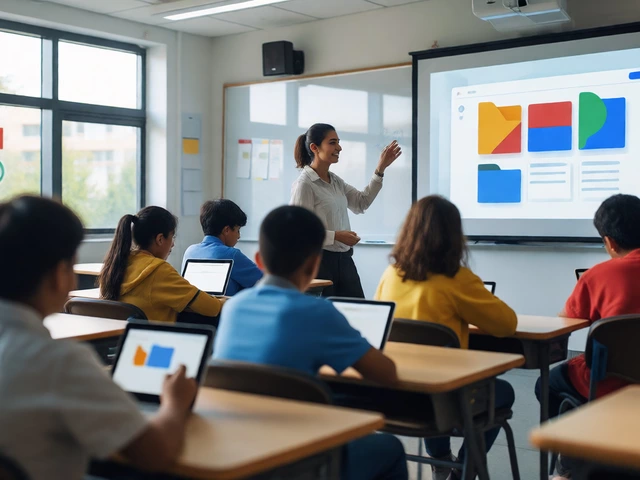
If you’re still on the fence, consider who benefits most from staying put. Elementary and middle school teachers love Classroom because it strips away complexity. You don’t need to manage complex permission settings or worry about file version history conflicts. The interface is clean. Students know exactly where to click to turn in homework. If your school already uses Gmail and Google Drive, switching to Teams means migrating terabytes of data and retraining staff. That’s a massive headache for minimal gain unless you specifically need Teams’ collaborative editing features.
When Might You Want to Switch?
Conversely, there are valid reasons to look elsewhere. High school seniors working on capstone projects might find Classroom’s file management too simplistic. If your curriculum relies heavily on real-time co-editing of complex spreadsheets or large multimedia files, Microsoft Teams offers better performance. Also, if your district is moving entirely to Windows-based hardware, Teams integrates more naturally with those devices. But remember, switching platforms is expensive in terms of time. Don’t do it just because of a rumor.
How to Future-Proof Your Classroom Setup
Regardless of which platform you use, tech changes fast. Here’s how to keep your digital classroom resilient against future updates or discontinuations.
- Export Regularly: Don’t let student work live only in the LMS. Use scripts or manual exports to save grades and submissions to CSV files at the end of each term.
- Standardize Naming Conventions: Whether you use Google or Microsoft, enforce strict file naming rules. "Assignment1_JohnDoe.pdf" beats "final_final_v2_REAL.pdf" every time. This makes migration easier if you ever do switch.
- Train on Concepts, Not Just Buttons: Teach students how to organize digital folders and manage permissions. These skills transfer across platforms. If they understand the logic behind cloud storage, switching apps becomes trivial.
- Monitor Official Announcements: Follow the official Google Workspace Updates blog. Ignore random TikToks claiming "Google is deleting everything." Trust primary sources.
The Verdict
So, is Google Classroom being discontinued? Absolutely not. It’s maturing. The panic stems from rapid feature updates and increased competition, not actual shutdowns. For most educators, especially in K-8 environments, it remains the most efficient tool for managing coursework. Keep using it, but stay aware of the ecosystem changes. And always, always back up your data.
Will Google Classroom stop working after 2026?
No, Google Classroom will continue to operate beyond 2026. There are no announced plans to retire the service. Instead, Google is focusing on enhancing its integration with AI tools and improving security features within the broader Google Workspace for Education suite.
Do I need to pay for Google Classroom now?
Basic access to Google Classroom remains free for verified educational institutions using Google Workspace for Education Fundamentals. However, some advanced administrative features and enhanced security controls require a paid upgrade to Standard, Plus, or Premium editions of Google Workspace.
What happens to my student data if I switch platforms?
Student data, including grades and submission timestamps, does not automatically migrate between different LMS providers like Google Classroom and Microsoft Teams. You typically need to export grades to a spreadsheet and manually import them into the new system. Files stored in Google Drive must be downloaded or transferred via third-party migration tools.
Is Google Classroom secure enough for sensitive student information?
Yes, Google Classroom adheres to strict global privacy standards, including FERPA in the US and GDPR in Europe. Recent updates have strengthened encryption and access controls. However, administrators must configure settings correctly to ensure compliance with local regulations, such as New Zealand's Privacy Act.
Can I use Google Classroom without a Gmail account?
Students and teachers need a Google Account to join classes. While personal Gmail accounts can be used, schools usually provide managed accounts through Google Workspace for Education. These managed accounts offer better control over data sharing and privacy compared to standard consumer Gmail accounts.