Coursera Cost & Access Calculator
Individual Course Cost Estimator
Estimate costs for specific courses based on duration and access level.
Coursera Plus Break-even Analyzer
Determine if the annual subscription pays for itself compared to buying individual certificates.
💡 Pro Tip: Financial Aid
If you cannot afford the certificate fees, apply for Coursera Financial Aid. It often takes ~15 days for approval but grants full access including graded assignments and certificates for free. You can continue auditing while waiting.
You clicked on a course, excited to learn Python or marketing strategy, and then hit a wall: a checkout page demanding $49 for a certificate you might not even need. It’s frustrating, especially when the title says "free." But here is the twist most people miss: Coursera is an online learning platform that offers access to thousands of university-level courses from institutions like Stanford and Yale. While the certificates cost money, the actual knowledge often remains completely free if you know where to click.
The confusion stems from how Coursera displays its pricing. They want you to buy the certification because that’s their business model. But for the vast majority of learners who just want the skills, paying is optional. Let’s break down exactly what you get for free, what costs extra, and how to navigate the interface without accidentally spending money.
What Does "Free" Actually Mean on Coursera?
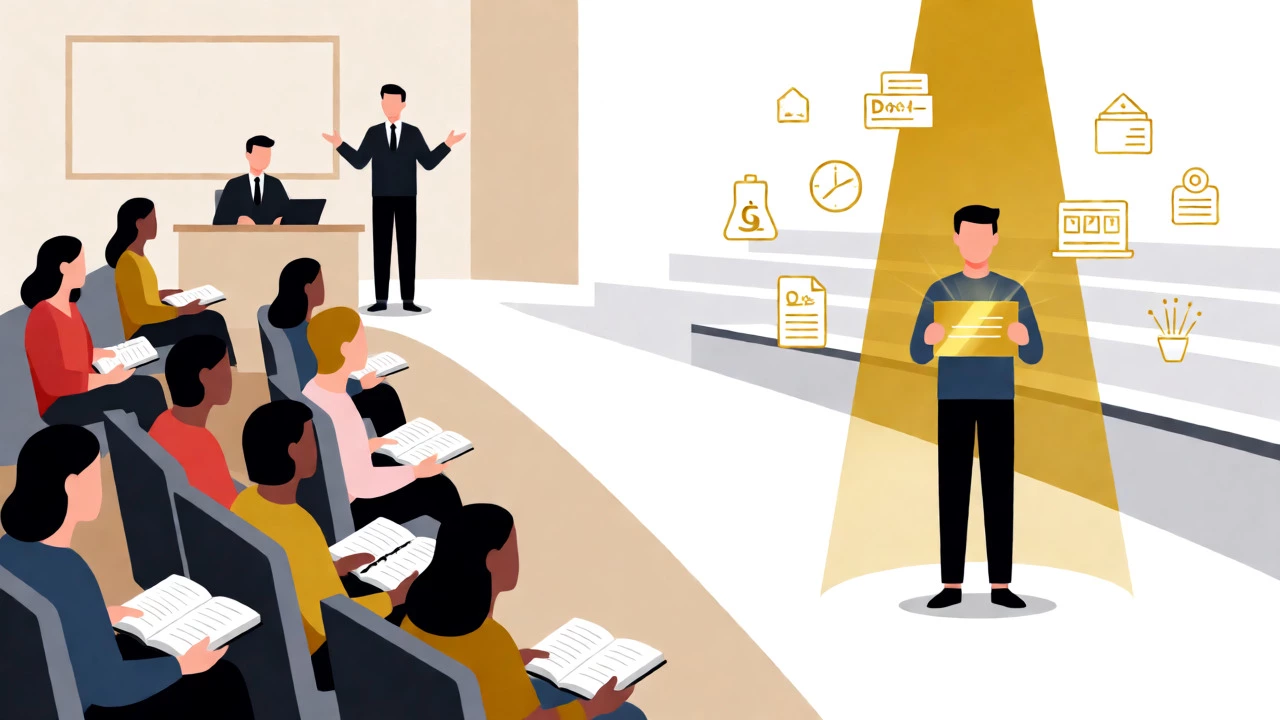
When we say Coursera is free, we are talking about the audit mode. This allows you to watch all video lectures, read assigned texts, and participate in discussion forums. You get the same content as a paying student. What you don’t get are graded assignments, quizzes with feedback, and the digital certificate upon completion.
Think of it like sitting in on a university lecture hall. You hear everything the professor says, but you don’t take the exam or get the diploma. For self-learners, this is often enough. If your goal is to understand the basics of data science or improve your public speaking, the audit track provides 100% of the educational value.
| Feature | Audit (Free) | Verified Certificate (Paid) | Full Degree (Paid) |
|---|---|---|---|
| Video Lectures | Yes | Yes | Yes |
| Reading Materials | Yes | Yes | Yes |
| Graded Assignments | No | Yes | Yes |
| Quizzes & Exams | No | Yes | Yes |
| Digital Certificate | No | Yes | Yes |
| Typical Cost | $0 | $39-$79/month | $9,000-$15,000 total |
How to Audit a Course Without Paying
This is the part where most users give up. When you click "Enroll," Coursera aggressively pushes the paid option. Here is the exact step-by-step process to bypass the payment screen:
- Navigate to the specific course page you want to take.
- Click the "Enroll for Free" button. Do not panic when the pop-up appears.
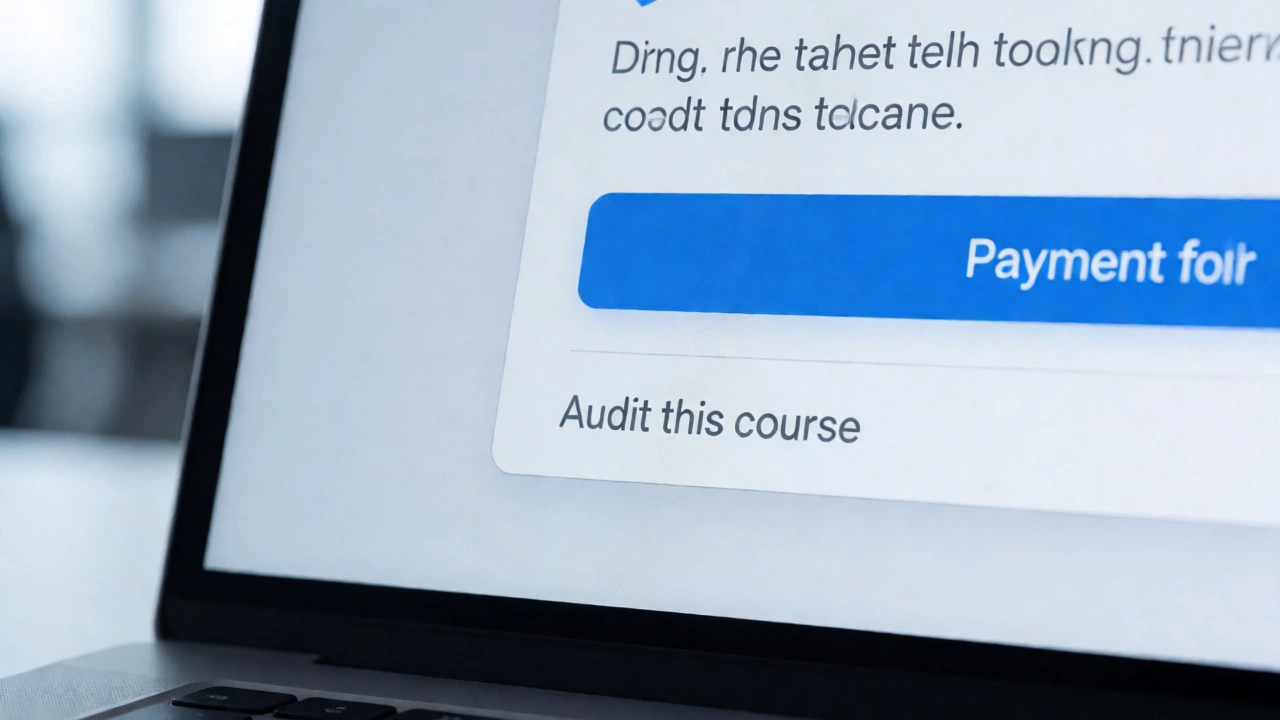
- Look closely at the bottom of the pop-up window. There is usually a small, gray link that says "Audit this course." It is easy to miss because it lacks color contrast.
- If you don't see it immediately, check the mobile view. Sometimes the desktop version hides it better than the app.
- Once you click "Audit," you will enter the course dashboard. Note that some features, like peer-reviewed assignments, may be locked.
Why do they hide it? Because Coursera makes money when you upgrade. By making the free path slightly less visible, they capture users who aren't looking closely. But once you know the trick, you can take dozens of courses without spending a dime.
When Should You Actually Pay?
Not everyone should stick to the free audit. There are specific scenarios where paying for a Verified Certificate is a credential that proves you completed the coursework and passed assessments adds tangible value to your career.
- Job Applications: If you are pivoting careers, a certificate from a recognized institution like IBM or Google can catch a recruiter's eye. It shows commitment and verified skill acquisition.
- Structured Accountability: Some people need deadlines. Graded assignments force you to engage with the material rather than passively watching videos.
- Specializations: Many specializations require capstone projects. These projects are often only accessible to paid students, and they result in a portfolio piece you can show employers.
If you are learning purely for personal interest-say, history or psychology-the audit mode is perfectly sufficient. But if you are building a resume, the $49 monthly fee might be worth the return on investment.
Financial Aid: The Hidden Gem
Here is something many learners overlook: Financial Aid is a program offered by Coursera that allows eligible students to receive full or partial waivers for course fees. Unlike scholarships that require essays and interviews, Coursera’s financial aid application is surprisingly straightforward.
You fill out a form explaining why you cannot afford the course and how it will help your career. Approval takes about 15 days. If approved, you get full access, including graded assignments and the certificate, for free. This is ideal for students in developing countries or those facing economic hardship. Don’t assume you have to pay; apply first. The success rate is high for genuine applicants.
Coursera Plus: Is It Worth the Subscription?
In 2026, Coursera heavily promotes Coursera Plus is a subscription service that gives unlimited access to over 7,000 courses and professional certificates. Instead of paying per course, you pay a flat annual fee (around $399) or monthly fee ($59).
Do the math before you subscribe. If you plan to take more than seven courses in a year, Plus pays for itself. However, if you only want one specific course, buying the individual certificate is cheaper. Also, note that some advanced degrees and niche specialized certifications are excluded from the Plus subscription. Always check the "Included in Plus" badge on the course page before committing.

Beyond Coursera: Other Free Options
If Coursera’s interface still feels too pushy, remember that other platforms offer similar content. edX is another major MOOC provider founded by Harvard and MIT that offers free auditing options works similarly but often has different course catalogs. Khan Academy is a non-profit organization providing free education in math, science, and humanities is entirely free, including practice exercises, though it lacks university-level depth in some areas.
For coding specifically, freeCodeCamp is an open-source community that helps people learn to code for free through interactive lessons offers comprehensive curricula without any paywalls. Each platform has its strengths, so mix and match based on your subject matter.
Frequently Asked Questions
Can I really finish a whole course for free?
Yes, you can watch all lectures and read all materials for free using the audit mode. However, you will not be able to submit graded assignments or take final exams unless you pay or receive financial aid.
Does Coursera offer refunds if I don't like the course?
Yes, Coursera typically offers a 14-day money-back guarantee for individual courses and subscriptions. If you realize the course isn't right for you within the first two weeks, you can request a full refund.
Are Coursera certificates respected by employers?
Certificates from well-known universities (like Stanford, Michigan, or Penn) and industry partners (like IBM, Google, or Meta) are generally respected. They signal initiative and verified knowledge, though they are not always equivalent to a traditional degree.
How long does financial aid approval take?
The standard processing time for financial aid applications is approximately 15 days. During this period, you can continue to audit the course for free while waiting for the decision.
Is Coursera Plus available for businesses?
Yes, Coursera offers enterprise solutions called Coursera for Business and Coursera for Campus. These plans provide centralized billing, administrative dashboards, and bulk licensing for teams or students.