eLearning Effectiveness & Readiness Calculator
The Engine Behind the Screen
You’ve probably clicked through a course module or watched a lecture video without thinking twice about the machinery humming underneath. But how does eLearning actually work? It isn’t just videos uploaded to YouTube with a quiz tacked on at the end. Modern digital education is a complex ecosystem of software, pedagogical design, and data tracking that mimics-and often improves upon-the traditional classroom experience.
At its core, eLearning works by delivering structured content through digital devices, allowing learners to access materials anytime, anywhere. This shift from physical classrooms to virtual environments relies on three main pillars: the Learning Management System (LMS), instructional design, and interactive media. Understanding these components helps you choose the right platform, whether you’re an employee upskilling for a promotion or a student preparing for certification exams.
The Central Hub: Learning Management Systems (LMS)
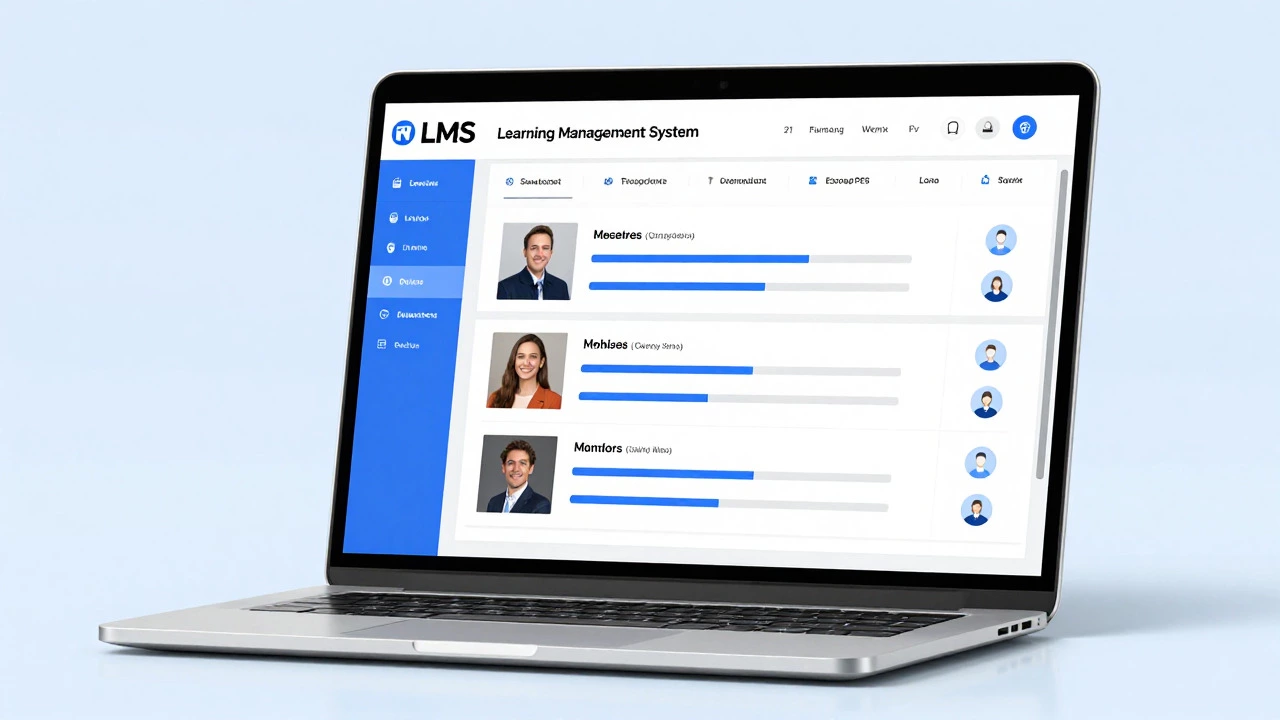
If eLearning is the car, the Learning Management System (LMS) is the engine. An LMS is the software platform that hosts your courses, tracks your progress, and delivers content. Without it, online education would be a chaotic mess of scattered PDFs and untracked videos.
Popular LMS platforms like Moodle, Canvas, Blackboard, and corporate solutions like Cornerstone OnDemand act as the central repository for all learning activities. When you log in, the LMS checks your credentials, retrieves your personalized dashboard, and displays the modules assigned to you. It handles the heavy lifting of user management, enrollment, and grade reporting.
What exactly is an LMS?
An LMS (Learning Management System) is a web-based platform used to plan, implement, and assess a specific learning process. It manages course delivery, documentation, tracking, reporting, and online testing.
The LMS also ensures compliance with standards like SCORM (Sharable Content Object Reference Model). SCORM allows different eLearning tools to communicate with each other. For example, if a company buys a video lesson from one vendor and a quiz from another, SCORM ensures both pieces fit seamlessly into the LMS and report scores correctly. This interoperability is crucial for scalable education.
Instructional Design: More Than Just Uploading Files
A common misconception is that anyone can create effective eLearning by simply recording a screen capture. In reality, successful online courses rely on rigorous instructional design. This is the process of creating learning experiences that make the acquisition of knowledge easier and more efficient.
Instructional designers use proven models like ADDIE (Analysis, Design, Development, Implementation, Evaluation) to build courses. They start by analyzing the learner’s needs-what do they already know? What skills are they missing? Then, they design the curriculum structure, develop the actual content (videos, text, interactions), implement it in the LMS, and evaluate its effectiveness through feedback and assessment data.
This structured approach prevents cognitive overload. Instead of dumping hours of raw information on a learner, designers break content into bite-sized chunks. This technique, known as microlearning, aligns with how human memory processes new information. Short, focused lessons lead to better retention than long, monolithic lectures.
Content Delivery Formats: Static vs. Interactive
eLearning content comes in various formats, each serving a different purpose. Understanding these formats helps you navigate courses more effectively and even informs how you might create your own.
- Video Lectures: The most common format. High-quality videos allow instructors to demonstrate concepts visually. Platforms now support adaptive bitrate streaming, ensuring smooth playback even on slower connections.
- Interactive Simulations: These allow learners to practice skills in a risk-free environment. Medical students might practice surgery procedures, while IT professionals might configure network settings in a simulated server room.
- Text-Based Modules: Articles, eBooks, and transcripts provide searchable, skimmable content. They are essential for accessibility, supporting screen readers for visually impaired learners.
- Gamified Elements: Points, badges, and leaderboards leverage psychological triggers to boost motivation. While controversial among some educators, gamification significantly increases engagement rates in voluntary learning scenarios.
The choice of format depends on the learning objective. If the goal is awareness, a short video suffices. If the goal is skill mastery, interactive simulations are non-negotiable. Blended approaches that combine multiple formats tend to yield the highest completion rates.
Assessment and Feedback Loops
How do you know if you’ve learned anything? In traditional schools, teachers grade papers manually. In eLearning, assessments are automated, immediate, and data-rich. Quizzes, tests, and assignments are embedded directly within the course flow.
Automated grading provides instant feedback. If you answer a question incorrectly, the system can immediately explain why, linking back to relevant content sections. This rapid feedback loop corrects misconceptions before they solidify. Advanced LMS platforms use analytics to identify patterns. If 80% of learners fail a specific question, the system flags it for the instructor to review, suggesting the explanation was unclear or the question was flawed.
Beyond simple multiple-choice questions, modern eLearning supports competency-based assessments. These require learners to demonstrate skills through projects, code submissions, or recorded presentations. Peer-to-peer review systems also distribute the grading load, fostering community interaction and critical thinking as learners evaluate each other’s work against rubrics.
Synchronous vs. Asynchronous Learning
eLearning operates in two distinct timeframes: synchronous and asynchronous. Knowing the difference is key to managing your schedule and expectations.
Synchronous learning happens in real-time. Think of live webinars, Zoom classes, or virtual study groups. You log in at a specific time, interact with the instructor and peers instantly, and benefit from spontaneous discussion. This mode replicates the social dynamics of a physical classroom and is excellent for building community and addressing complex questions.
Asynchronous learning offers flexibility. You watch pre-recorded lectures, read articles, and complete quizzes on your own schedule. There’s no pressure to attend a live session. This is ideal for working professionals or parents balancing multiple responsibilities. However, it requires strong self-discipline. Without the structure of fixed class times, procrastination becomes the biggest enemy.
Most successful programs blend both. A weekly live Q&A session complements self-paced video modules, providing the best of both worlds: flexibility and accountability.
The Role of AI and Personalization
Artificial Intelligence is transforming how eLearning works. Traditional courses offer a one-size-fits-all path. AI-driven platforms adapt to individual learner behavior. If you struggle with a concept, the system detects your hesitation (through click patterns or quiz errors) and serves additional resources tailored to your gap.
Adaptive learning algorithms analyze vast amounts of data to predict performance. They recommend next steps, adjust difficulty levels, and personalize content delivery. For example, if you breeze through basic coding exercises, the AI skips ahead to advanced topics, keeping you engaged and preventing boredom. Conversely, if you falter, it introduces foundational reviews automatically.
Chatbots powered by Natural Language Processing (NLP) provide 24/7 support. Learners can ask questions about course material or technical issues without waiting for human instructors. This reduces friction and keeps learners moving forward, especially across different time zones.
Technical Infrastructure and Accessibility
Behind the scenes, robust technical infrastructure supports eLearning. Cloud computing ensures platforms scale during peak usage times, such as when thousands of employees start a mandatory compliance training simultaneously. Content Delivery Networks (CDNs) cache video files closer to users geographically, reducing buffering and latency.
Accessibility is not an afterthought; it’s a legal and ethical requirement. WCAG (Web Content Accessibility Guidelines) standards ensure eLearning is usable by people with disabilities. This includes captions for videos, keyboard navigation for interactive elements, and color contrast adjustments. Mobile responsiveness is equally critical. With over half of online learning occurring on smartphones and tablets, platforms must render perfectly on small screens, offering touch-friendly interfaces and offline download capabilities.
Challenges and Solutions
Despite its benefits, eLearning faces hurdles. The biggest challenge is learner isolation. Without face-to-face interaction, motivation can wane. To combat this, platforms integrate social features: discussion forums, group projects, and peer mentoring programs. Community building transforms solitary study into a collaborative journey.
Digital fatigue is another issue. Staring at screens for hours causes eye strain and mental exhaustion. Good instructional design mitigates this by varying content types and encouraging breaks. The "Pomodoro Technique"-studying for 25 minutes followed by a 5-minute break-is often built into course recommendations.
Security and privacy are paramount. Earning certificates and accessing proprietary corporate training data requires robust encryption and secure authentication methods like Two-Factor Authentication (2FA). Compliance with regulations like GDPR ensures learner data is protected and used ethically.
Conclusion: The Future of Digital Education
eLearning works by combining technology, psychology, and pedagogy to deliver flexible, scalable education. From the underlying LMS infrastructure to AI-driven personalization, every component plays a role in facilitating knowledge transfer. As technology evolves, so will the methods, but the core principle remains: making learning accessible, engaging, and effective for everyone, everywhere.
Is eLearning as effective as traditional classroom learning?
Research suggests eLearning can be equally or more effective than traditional methods, particularly when it includes interactive elements and immediate feedback. The key is active engagement rather than passive consumption.
Do I need special equipment for eLearning?
A stable internet connection and a device capable of running a web browser (computer, tablet, or smartphone) are sufficient. Some specialized courses may require additional software or hardware, but this is usually specified in advance.
How are eLearning certificates verified?
Reputable platforms issue digitally verifiable certificates containing unique IDs. Employers can verify authenticity through the issuing organization’s website or blockchain-based credential systems.
Can eLearning replace all forms of education?
While eLearning excels in knowledge transmission and skill demonstration, hands-on fields like medicine, engineering, and trades still require physical practice. Hybrid models combining online theory with practical labs are often the gold standard.
What are the costs associated with eLearning?
Costs vary widely. Many platforms offer free introductory courses. Professional certifications may cost hundreds to thousands of dollars. Corporate eLearning is typically funded by employers as part of professional development budgets.