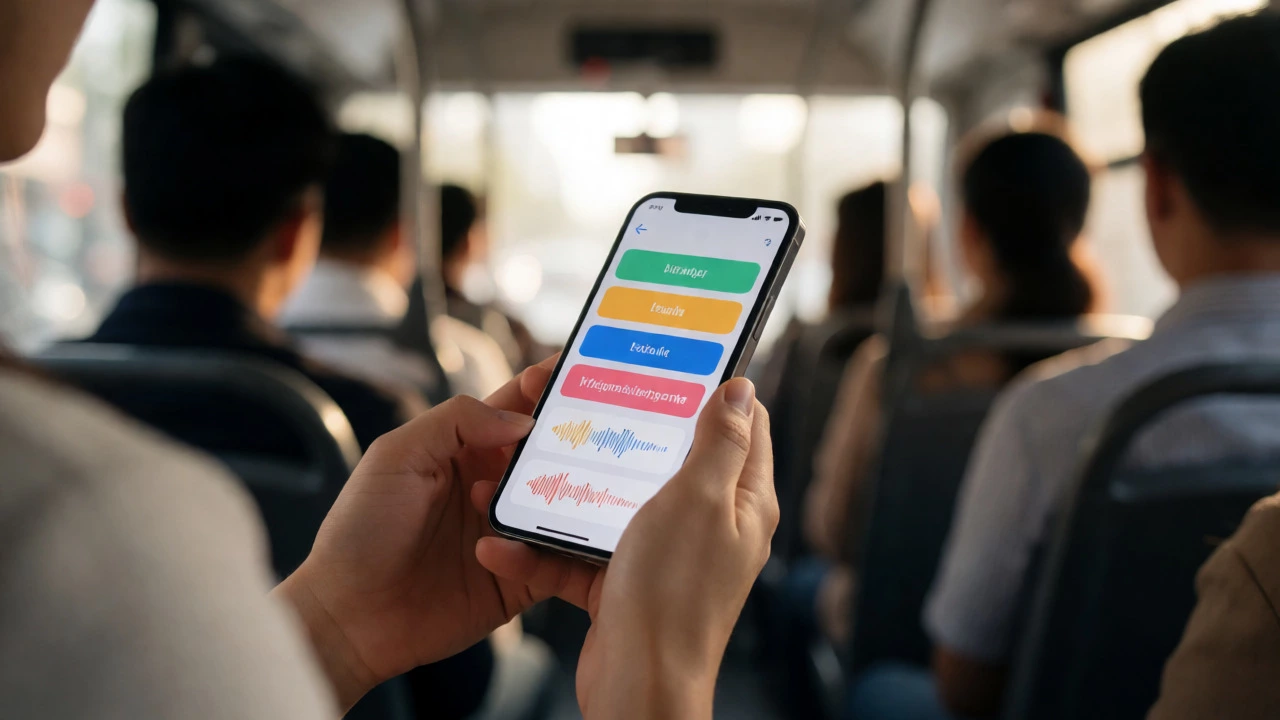
Mobile Learning Suitability Checker
Not sure if you should pull out your phone or open your laptop? Select your study task below to get a recommendation.
Select options to see recommendation
You’re sitting on a bus, waiting in line at the coffee shop, or lying in bed before sleep. You have ten minutes to spare. Can you actually learn something meaningful on your phone during that time? The short answer is yes, but with a massive caveat: it depends entirely on how you set it up and what you’re trying to learn.
Many people assume mobile learning (m-learning) is just a watered-down version of desktop courses. They imagine tiny text, frustrating navigation, and half-finished modules. But in 2026, the landscape has shifted. With 5G coverage expanding globally and screen sizes getting larger, your smartphone is now a legitimate classroom. The trick isn’t just opening an app; it’s designing your workflow around the constraints of a small screen.
Why Your Phone Is Actually Better Than Your Laptop for Some Subjects
Think about language learning. When you use Duolingo or Babbel, you aren’t just reading grammar rules. You are listening to audio clips, tapping buttons to match words, and speaking into your microphone. This interactive, sensory experience works better on a touch-screen device than on a keyboard-heavy laptop. The immediacy of feedback keeps your brain engaged.
The same logic applies to flashcards and spaced repetition systems like Anki. These tools rely on quick, repetitive interactions. Pulling out a laptop to review ten vocabulary words feels like using a sledgehammer to crack a nut. Your phone allows you to clear your queue in two minutes while standing in an elevator. This frequency beats intensity every time when it comes to memorization.
However, not all subjects translate well. If you are studying advanced calculus or writing a thesis, the lack of real estate on a 6-inch screen becomes a bottleneck. Typing complex equations or scrolling through dense PDFs can lead to eye strain and frustration. The key is matching the subject matter to the device’s strengths.
The Technical Hurdles: Screen Size and Input Methods
Let’s be honest: typing essays on a smartphone is painful. Even with voice-to-text improvements, editing long-form content on a virtual keyboard is error-prone. If your course requires heavy writing, mobile learning might slow you down rather than speed you up.
Screen size is another major factor. While phones are getting bigger, they still pale in comparison to even a basic tablet. Reading academic journals or viewing detailed diagrams requires zooming and panning, which breaks your flow. To combat this, look for platforms that offer "responsive design"-meaning the layout automatically adjusts to fit your screen width without horizontal scrolling.
Battery life also plays a role. Video streaming drains power quickly. If you plan to watch a 45-minute lecture on your commute, ensure you have a portable charger or download the video beforehand. Most modern learning management systems (LMS) allow offline downloads, which saves both data and battery by reducing network usage.
Choosing the Right Platform for Mobile Success
Not all e-learning platforms are created equal when it comes to mobile experience. Some treat their mobile app as an afterthought, offering limited features compared to the web version. Others build mobile-first, prioritizing touch gestures and offline access.
Here is how to evaluate a platform before committing:
- Offline Capability: Can you download videos and readings? This is non-negotiable for commuters or those with spotty Wi-Fi.
- Progress Syncing: Does your progress save instantly across devices? You need to start a lesson on your phone and finish it on your laptop seamlessly.
- Notification Management: Good apps send gentle reminders, not spam. Check if you can customize notification settings to avoid burnout.
- Accessibility Features: Look for dark mode, font scaling, and screen reader compatibility. These features make long study sessions easier on your eyes.
Platforms like Coursera, edX, and LinkedIn Learning have invested heavily in their mobile apps. They allow you to download entire course modules for offline viewing. On the other hand, some specialized coding bootcamps might require a full IDE environment that simply doesn’t exist on iOS or Android yet, though cloud-based editors are changing this rapidly.
| Subject Type | Mobile Suitability | Best Tools | Common Pitfall |
|---|---|---|---|
| Languages | High | Duolingo, Rosetta Stone | Ignoring pronunciation practice |
| Soft Skills | High | LinkedIn Learning, MasterClass | Passive watching without notes |
| Coding Basics | Medium | SoloLearn, Codecademy Go | Frustration with syntax typing |
| Academic Research | Low | Kindle, Zotero Mobile | Difficulty citing sources |
| Data Analysis | Low | Tableau Mobile (view only) | Inability to manipulate datasets |
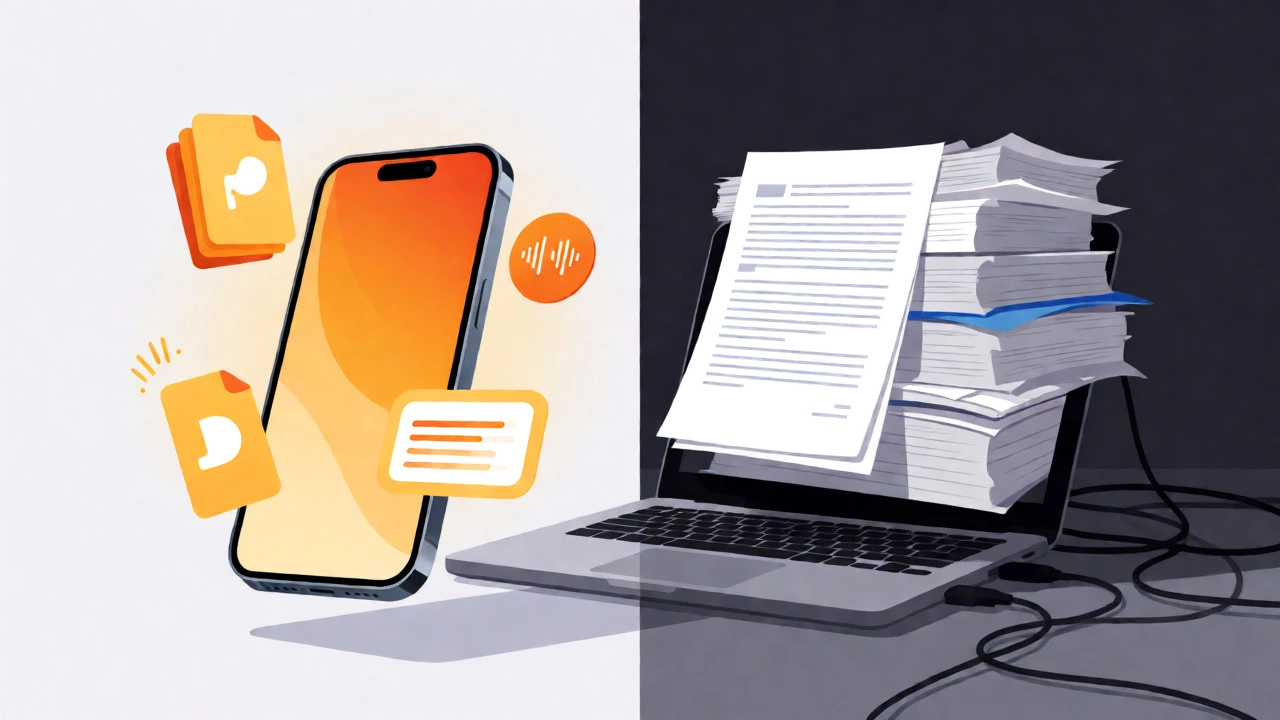
Strategies to Stay Focused on a Distracting Device
Your phone is designed to interrupt you. Notifications from social media, emails, and messages constantly pull your attention away. If you try to study with these alerts active, you will fragment your focus. Studies suggest it takes an average of 23 minutes to regain deep focus after an interruption. In a ten-minute commute, you never reach deep work.
To fix this, use built-in digital wellbeing tools. On iOS, enable Focus Modes specifically for "Study." This silences all notifications except those from your learning apps. On Android, use Digital Wellbeing to set timers for distracting apps. By creating a digital boundary, you signal to your brain that it’s time to learn.
Another effective tactic is the "two-minute rule." Commit to studying for just two minutes. Often, starting is the hardest part. Once you open the app and engage with one question or paragraph, momentum kicks in. If you stop after two minutes, you’ve still learned something. If you continue, great. This lowers the psychological barrier to entry.
When Mobile Learning Fails (And What to Do Instead)
There are times when forcing yourself to use a phone is counterproductive. If you are working on a group project that requires collaborative document editing, your phone’s interface is too cramped. Real-time collaboration on Google Docs or Microsoft Teams is significantly smoother on a tablet or laptop.
Similarly, if you are taking a timed exam that proctors require a specific browser environment, mobile apps might not support the necessary plugins. Always check the technical requirements for assessments before assuming you can take them on the go.
If you find yourself struggling with a complex concept on your phone, switch devices. Use your phone for review and revision, where micro-learning shines. Save your phone for consumption tasks (watching, listening, reading) and reserve your computer for creation tasks (writing, coding, analyzing).

Practical Tips for Setting Up Your Mobile Classroom
Ready to turn your smartphone into a learning hub? Here is a checklist to get started today:
- Prioritize Audio: Many platforms offer podcast-style audio versions of lessons. Listen to these during walks or chores. It frees up your visual attention.
- Use Cloud Notes: Install Evernote, Notion, or OneNote. Jot down quick insights immediately after a lesson while they are fresh. Sync these notes to your desktop for deeper processing later.
- Download Content Weekly: Every Sunday, spend five minutes downloading the week’s materials over Wi-Fi. This ensures you are ready for any unexpected downtime during the week.
- Adjust Display Settings: Increase font size and enable night shift/blue light filters to reduce eye strain during evening study sessions.
Remember, consistency beats duration. Ten minutes of focused mobile learning every day is more effective than a single three-hour cram session once a month. Your phone makes consistency easy because it is always with you.
Frequently Asked Questions
Is mobile learning suitable for certification exams?
Yes, for many certifications like PMP, AWS, or language proficiency tests. However, you should supplement mobile study with full-length mock exams on a desktop to simulate the actual testing environment and improve your stamina for long sessions.
Do I need a high-end smartphone for e-learning?
No. Most major learning platforms are optimized to run smoothly on mid-range devices. As long as your phone supports the current operating system version required by the app, performance should be adequate. Storage space is more critical than processing power if you plan to download many videos.
How do I manage distractions while learning on my phone?
Use "Do Not Disturb" modes or dedicated focus apps like Forest. Additionally, keep your phone in airplane mode if you don't need internet access for the specific task. Physical separation helps too-place the phone face down or in another room if possible, though this defeats the purpose of mobile learning.
Can I type assignments effectively on a phone?
For short answers and forum posts, yes. For essays or reports, it is inefficient. Consider using voice dictation tools to draft ideas, then edit them on a computer later. Bluetooth keyboards can also bridge the gap, turning your phone into a mini-laptop.
What is the biggest advantage of mobile learning?
Accessibility and flexibility. It removes barriers to entry by utilizing existing hardware and fits into the gaps of a busy schedule. It democratizes education by making high-quality content available to anyone with a smartphone, regardless of location or economic status.