
E-Learning Platform Matcher
Answer three simple questions to find the platform that fits your specific needs in 2026.
Quick Tip from the Article
Don't subscribe to everything at once. Start with a single course purchase (like on Udemy) to test your discipline. If you finish it, consider a subscription for broader access. Momentum matters more than prestige.
You’re staring at a blank screen. The job market is shifting again, and you know that sticking with your current skill set is a risky bet. You want to learn something new-maybe data analysis, maybe UX design, or perhaps just how to manage a remote team better. But then the paralysis hits. There are hundreds of e-learning platforms out there, each claiming to be the key to your career upgrade. Is it worth spending $50 on a Udemy course? Should you commit to a six-month specialization on Coursera? Or do you need the structured pressure of a bootcamp?
Here’s the truth: there is no single "best" platform. There is only the best platform for *your* specific goal, budget, and learning style. A tool that helps a coder master Python might completely fail someone trying to learn public speaking. Choosing wrong means wasting money and, more importantly, losing momentum. Let’s break down the major players in the 2026 landscape so you can pick the right one without guessing.
Understanding the Three Main Types of Online Learning
Before we look at specific brands, you need to categorize what kind of learning you actually need. Most platforms fall into three buckets, and mixing them up is where most people get frustrated.- The Marketplace Model: Think of this as Netflix or YouTube for skills. You buy individual courses. It’s cheap, fast, and great for picking up a specific tactic (like "How to use Excel Pivot Tables"). The quality varies wildly because anyone can upload a course.
- The University/Academic Model: These platforms partner with universities like Stanford or Michigan. You get certificates that carry weight on a resume. The pace is slower, often semester-based, and the content is rigorous. This is for deep knowledge, not quick hacks.
- The Subscription/SaaS Model: You pay a monthly fee for unlimited access to a library of courses. This works if you plan to binge-learn multiple topics or need continuous professional development credits.
Your choice depends entirely on whether you need a credential, a quick fix, or broad exploration.
Coursera: Best for Career Credentials and Deep Dives
Coursera is likely the first name that pops up when you search for serious upskilling. Founded by Stanford professors Andrew Ng and Daphne Koller, it has evolved from simple video lectures into a robust ecosystem offering degrees and professional certificates. Why choose it? If you need proof of competence. Employers recognize Coursera certificates, especially those backed by companies like Google, IBM, or Meta. For example, the Google Data Analytics Professional Certificate is now a standard entry point for many junior analyst roles. It takes about six months if you study five hours a week. It’s not easy-you’ll have graded assignments and peer reviews-but you finish with a portfolio project. The downside? It’s expensive. Specializations can cost $39-$79 per month. And while the content is high-quality, it can feel dry. If you hate reading textbooks and prefer interactive play, you might find the lecture-heavy format draining.Udemy: Best for Affordable, Specific Skills
If Coursera is university, Udemy is the vocational trade school mixed with a flea market. With over 210,000 courses, it covers everything from Kubernetes to knitting. The model is transactional: you buy one course for life. Prices often drop to $12-$15 during sales, making it incredibly low-risk. This is the go-to spot for technical tools. Need to learn Figma quickly? Buy a highly-rated course. Want to understand AWS certification basics? Grab a prep course. The instructors are usually practitioners, not academics, so the advice is practical and up-to-date. However, quality control is hit-or-miss. You must check ratings and previews carefully. Look for courses updated within the last six months; outdated tech tutorials are useless.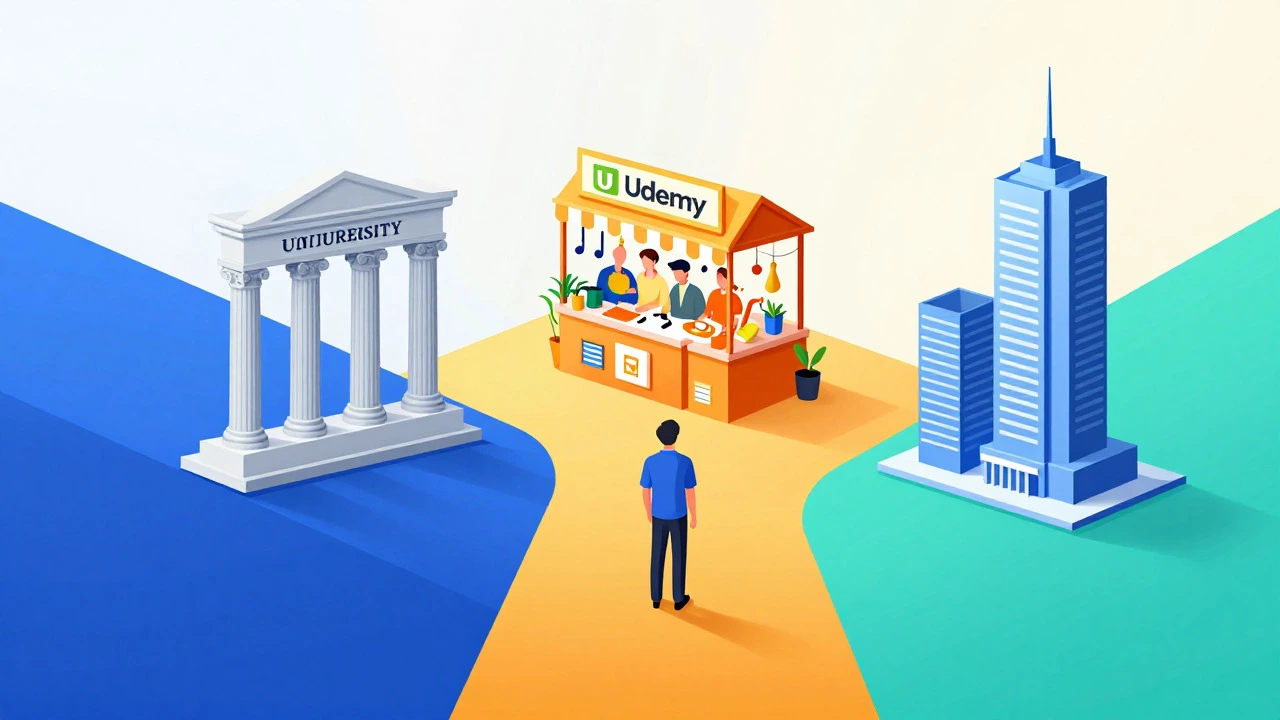
LinkedIn Learning: Best for Corporate Soft Skills and Speed
Many professionals already have free access to LinkedIn Learning through their employer. If you don’t, it costs around $30/month. Its strength isn’t hard coding skills-it’s soft skills and business acumen. Leadership, negotiation, time management, and communication are covered extensively by industry experts. The format is short. Most videos are under ten minutes. This fits perfectly into a busy workday. You can watch a lesson on lunch and immediately apply the tip in an afternoon meeting. Plus, completing a course adds a badge directly to your LinkedIn profile, which recruiters see. It’s less about deep mastery and more about staying sharp and relevant.Pluralsight vs. Frontend Masters: The Developer Showdown
For coders, generic platforms often lack depth. Two names dominate here: Pluralsight and Frontend Masters. Pluralsight offers a massive library covering all IT domains-cloud, security, devops, and software architecture. It includes "Skill IQ" assessments that measure your proficiency, giving managers concrete data on your growth. It’s broad but sometimes shallow on cutting-edge trends. Frontend Masters, conversely, is curated by senior engineers. It focuses deeply on JavaScript, React, CSS, and system design. The instructors are often the creators of the libraries you use (like Dan Abramov for Redux). It’s pricier ($39/month) but feels like attending a masterclass. If you’re a mid-level developer trying to become a senior engineer, Frontend Masters delivers higher ROI than Pluralsight.
Comparison Table: Which Platform Fits Your Goal?
| Platform | Best For | Cost Model | Certificate Value | Learning Style |
|---|---|---|---|---|
| Coursera | Deep academic knowledge, career switches | Subscription ($39+/mo) | High (University/Corp backed) | Lecture + Assignments |
| Udemy | Specific tools, quick fixes, hobbies | Pay-per-course ($15 avg) | Low (Proof of completion) | Video Tutorials |
| LinkedIn Learning | Soft skills, corporate compliance | Subscription ($30/mo) | Medium (Profile integration) | Short Videos |
| Pluralsight | Broad IT skills, DevOps, Cloud | Subscription ($29/mo) | Medium (Industry recognized) | Paths + Assessments |
| Frontend Masters | Advanced Web Development | Subscription ($39/mo) | Niche High (Tech specific) | Workshops + Code Alongs |
How to Choose Without Wasting Money
Don’t subscribe to everything. Use this decision tree:- Do you need a certificate for HR? Yes? Go with Coursera or edX. No? Continue.
- Is the topic a specific software tool? Yes? Check Udemy for recent, highly-rated courses. No? Continue.
- Are you improving soft skills or leadership? Yes? Use LinkedIn Learning. No? Continue.
- Are you a developer going deeper into code? Yes? Choose Frontend Masters (for web) or Pluralsight (for infrastructure). No? Consider niche platforms like MasterClass for creative fields.
A common mistake is buying a subscription you never use. Start with a single course purchase on Udemy to test your discipline. If you finish it, consider a subscription for broader access. Momentum matters more than prestige.
Frequently Asked Questions
Are Coursera certificates respected by employers?
Yes, particularly for roles requiring specific technical competencies. Certificates from partners like Google, IBM, and Stanford are widely recognized. However, they are not a replacement for a degree or significant work experience; they serve as evidence of proactive learning and foundational knowledge.
Is Udemy good for beginners?
Absolutely. The low cost allows beginners to experiment with different subjects without financial risk. Just ensure you filter by "4.5 stars and above" and check the "Last Updated" date to avoid obsolete content.
Which platform is best for coding?
It depends on your level. Beginners often start with Codecademy or freeCodeCamp (interactive coding). Intermediate developers benefit from Pluralsight for breadth. Advanced developers seeking deep expertise should look at Frontend Masters or specialized bootcamps.
Can I get financial aid on these platforms?
Coursera offers financial aid for most courses if you apply and explain your situation. edX also provides verified certificate scholarships. Udemy does not offer financial aid, but frequent sales make courses very affordable.
Do I need a stable internet connection for all platforms?
Most allow downloading for offline viewing on mobile apps. Coursera, LinkedIn Learning, and Pluralsight all support this feature, which is crucial if you commute or have spotty Wi-Fi. Udemy also supports downloads via its app.